Activity Timeline
Learn how to read per-member voice patterns in Dual and weighted Score views.
The Voice Activity Timeline report shows which members were active in voice during each period. It is the voice counterpart to Messages: Activity Timeline.
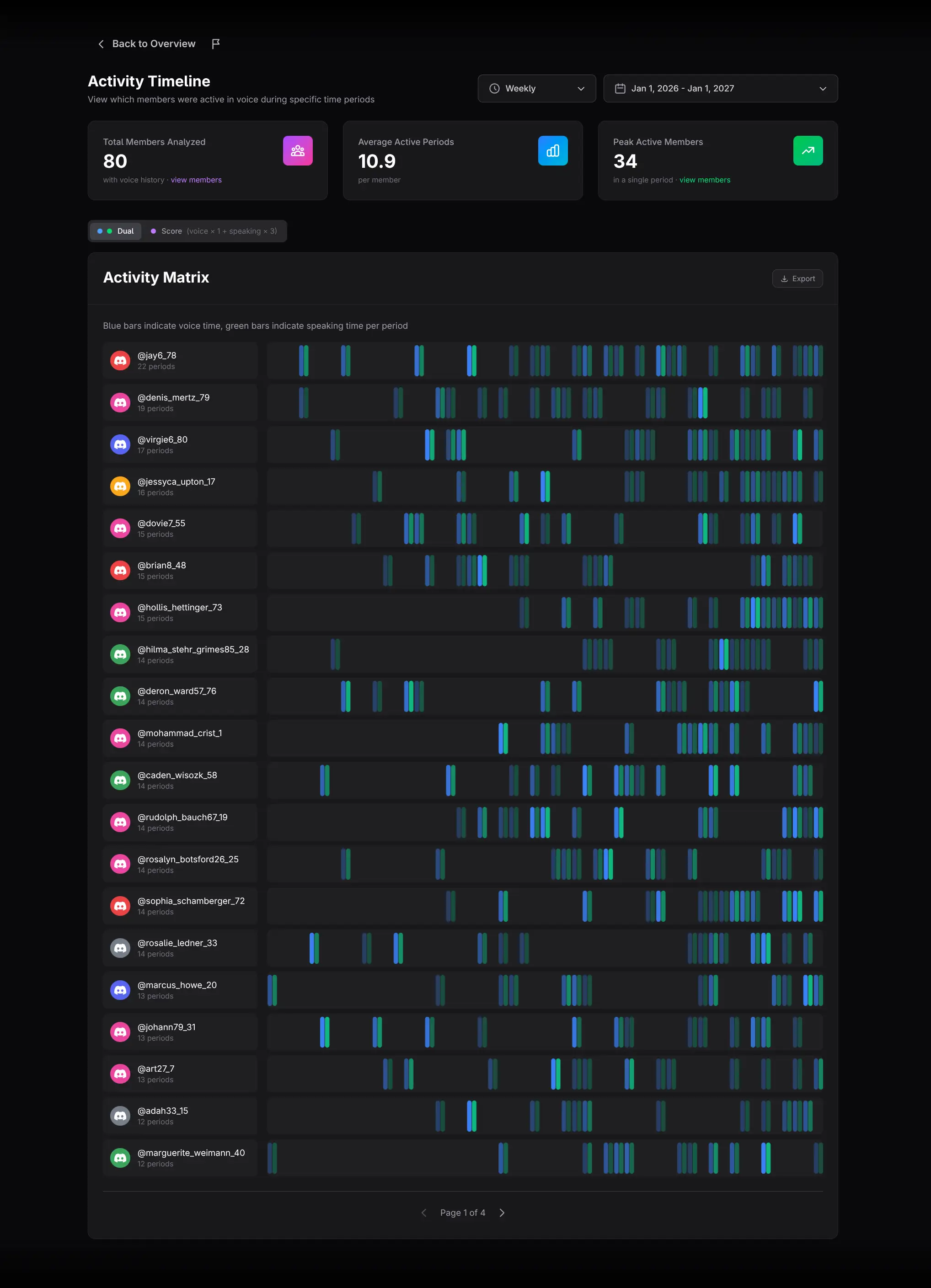
Configure the timeline
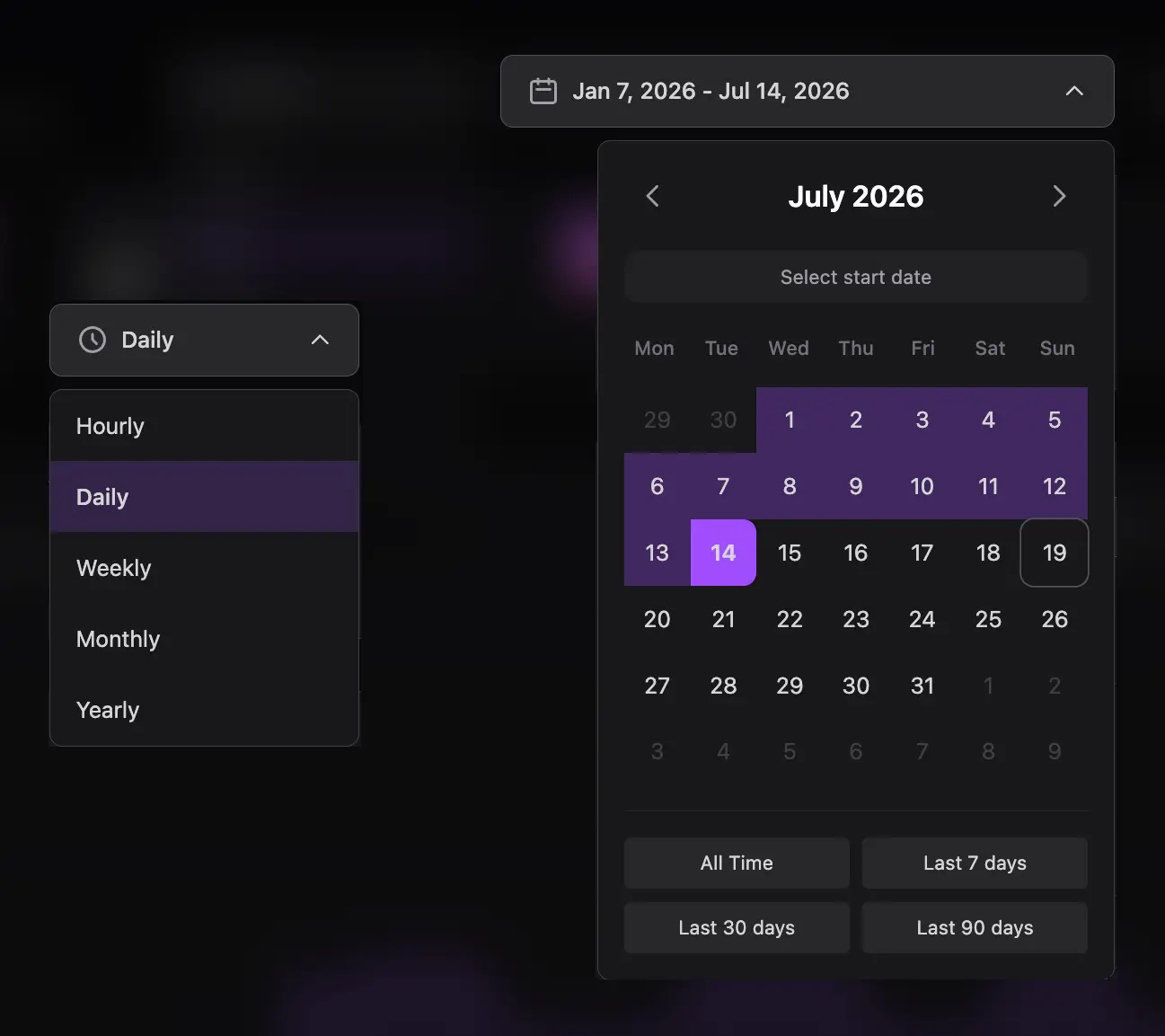
Select the date range and Hourly, Daily, Weekly, Monthly, or Yearly periods. Short buckets show detailed event behavior; longer buckets make consistency easier to compare.
Choose Dual or Score view
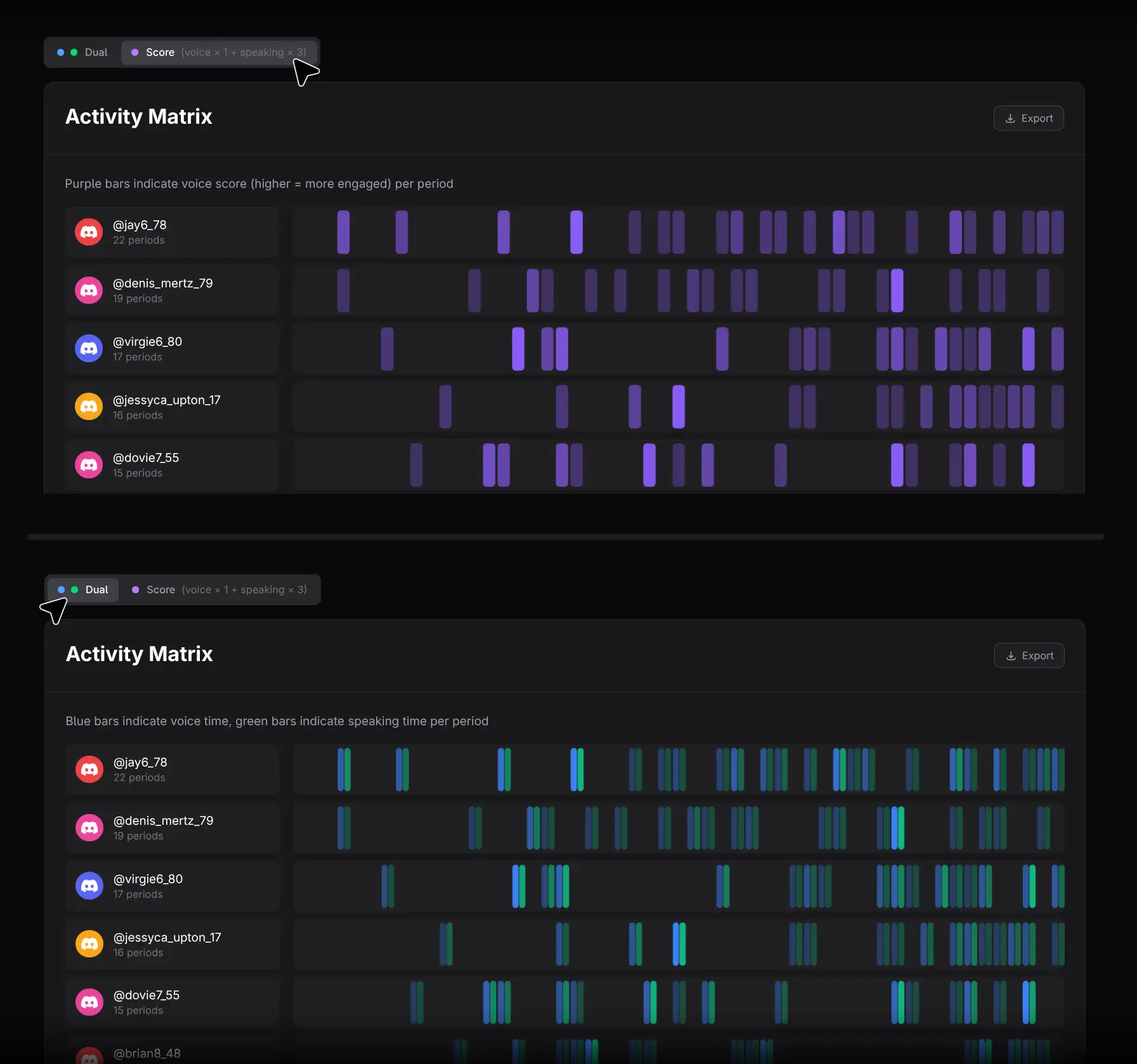
- Dual shows separate Voice Time and Speaking Time bars.
- Score shows one blended value calculated as
Voice Time × 1 + Speaking Time × 3.
The selected mode also controls the visualization shown when you open Member Details from this report. Score emphasizes speaking by assigning it triple weight; it is a product-defined prioritization, not a neutral measure.
Read the summary cards
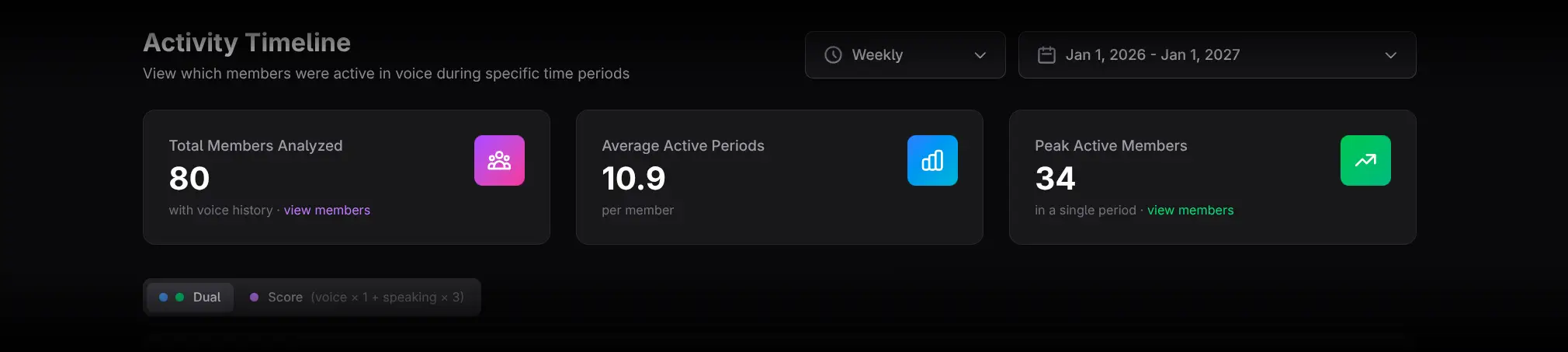
- Total Members Analyzed counts members with voice history. Click view members for the ranking.
- Average Active Periods shows the mean number of periods with voice activity. It has no drill-down and displays a humorous tooltip on hover.
- Peak Active Members shows the largest number of voice-active members in one period. Click view members to inspect them.
Use the Activity Matrix
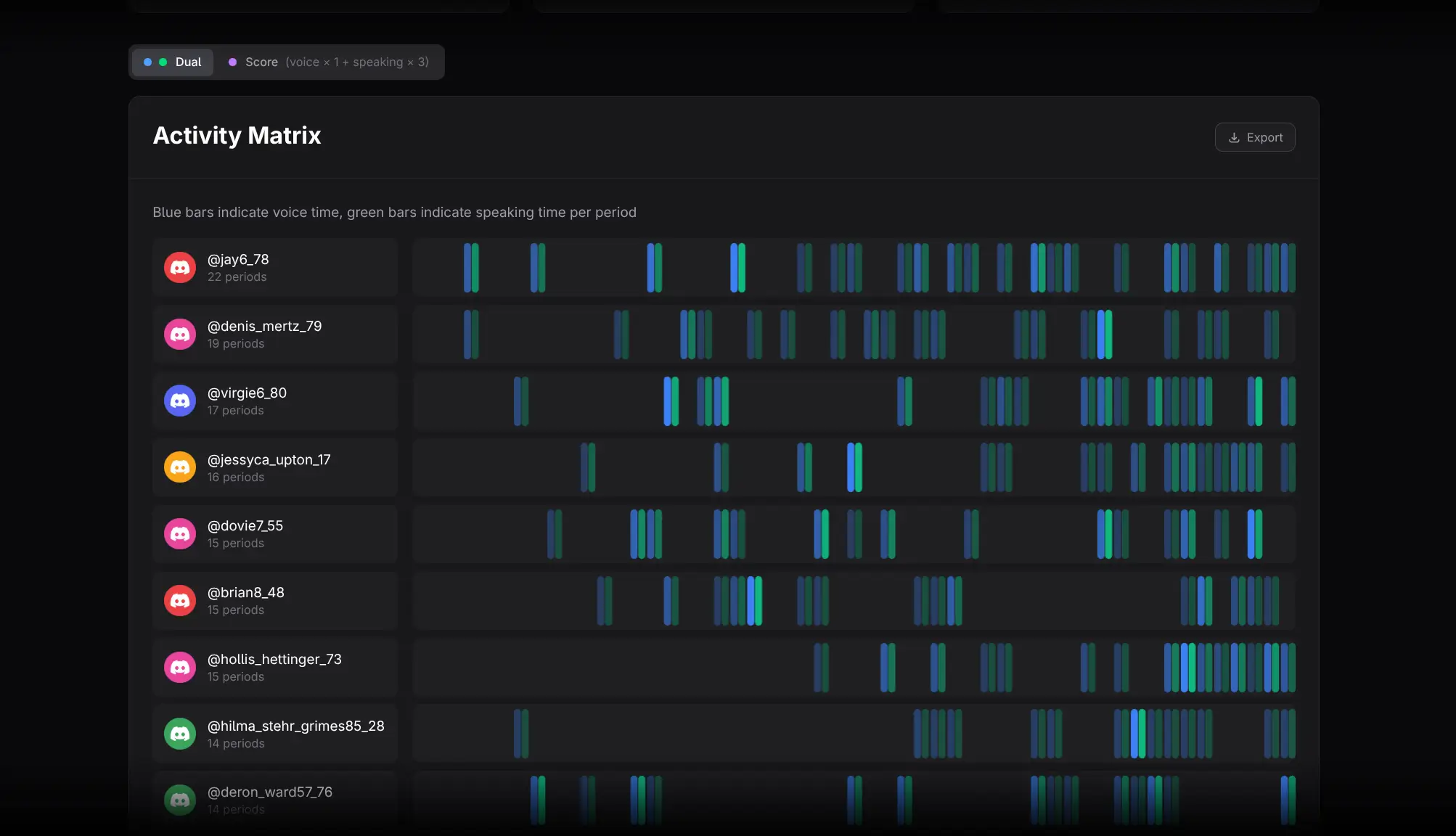
Each row contains a member and one mini-chart across the selected periods.
- In Dual mode, compare blue Voice Time with green Speaking Time.
- In Score mode, compare the weighted combined bars.
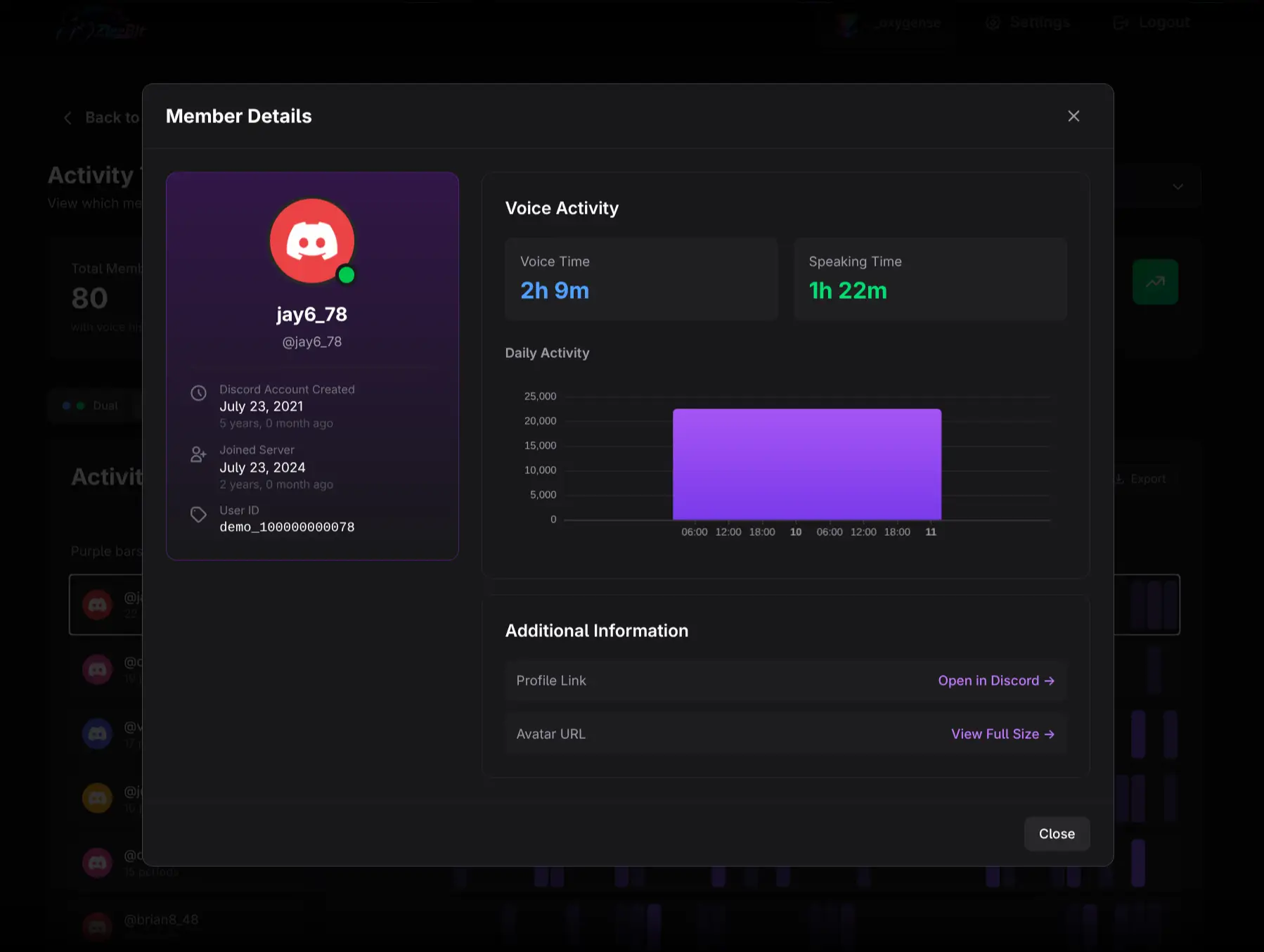
- Click the member identity to open full-range Member Details.
- Click a specific period bar to open the member scoped to that period.
- Use the back arrow to return to the matrix.
Practical workflows
Find recurring voice participants
Use Weekly periods across several months. Look for activity distributed across many periods, then open the member to compare voice and speaking patterns.
Separate listeners from speakers
Use Dual mode. Members with substantial voice time and limited speaking time may be listeners, muted participants, or attendees in presentation-style events. Do not classify the behavior without context.
Review a peak event
Open Peak Active Members, inspect the users, and click their peak-period bars. Compare the same event in Voice Activity for total duration and session metrics.
Exporting and cautions
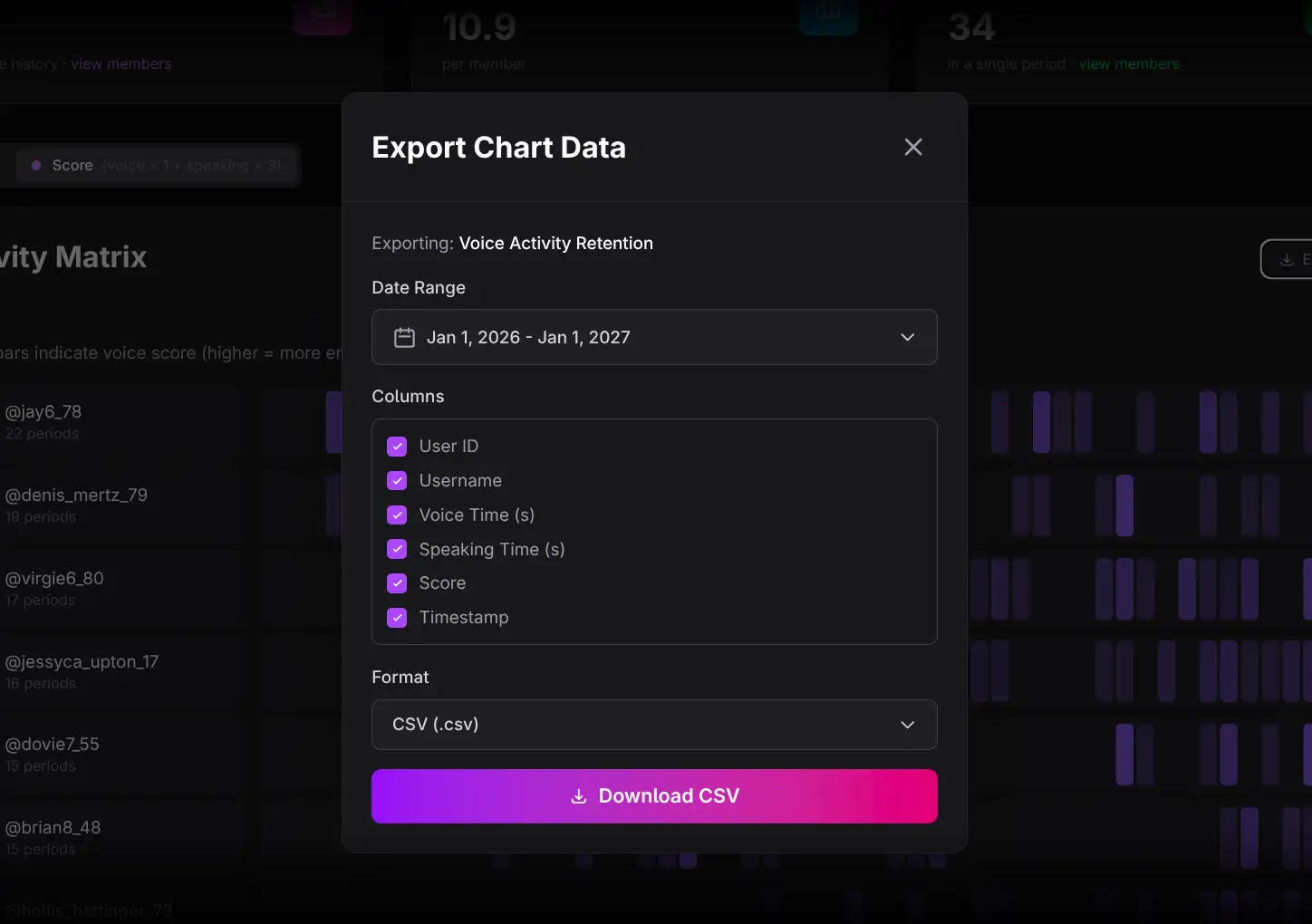
Use the matrix Export control to download member-period voice data.
- Score triples speaking time by design.
- Dual and Score answer different questions; note the selected mode in any analysis.
- Connected voice time is not equivalent to speaking or attention.
- Period-level activity does not reveal the content of a conversation.