Message Activity
Learn how to filter and compare moderator chat activity, timing, channels, and contributors.
The Moderator Message Activity report measures how much moderators themselves participate in server chat. It can show the whole moderation team or one selected moderator.
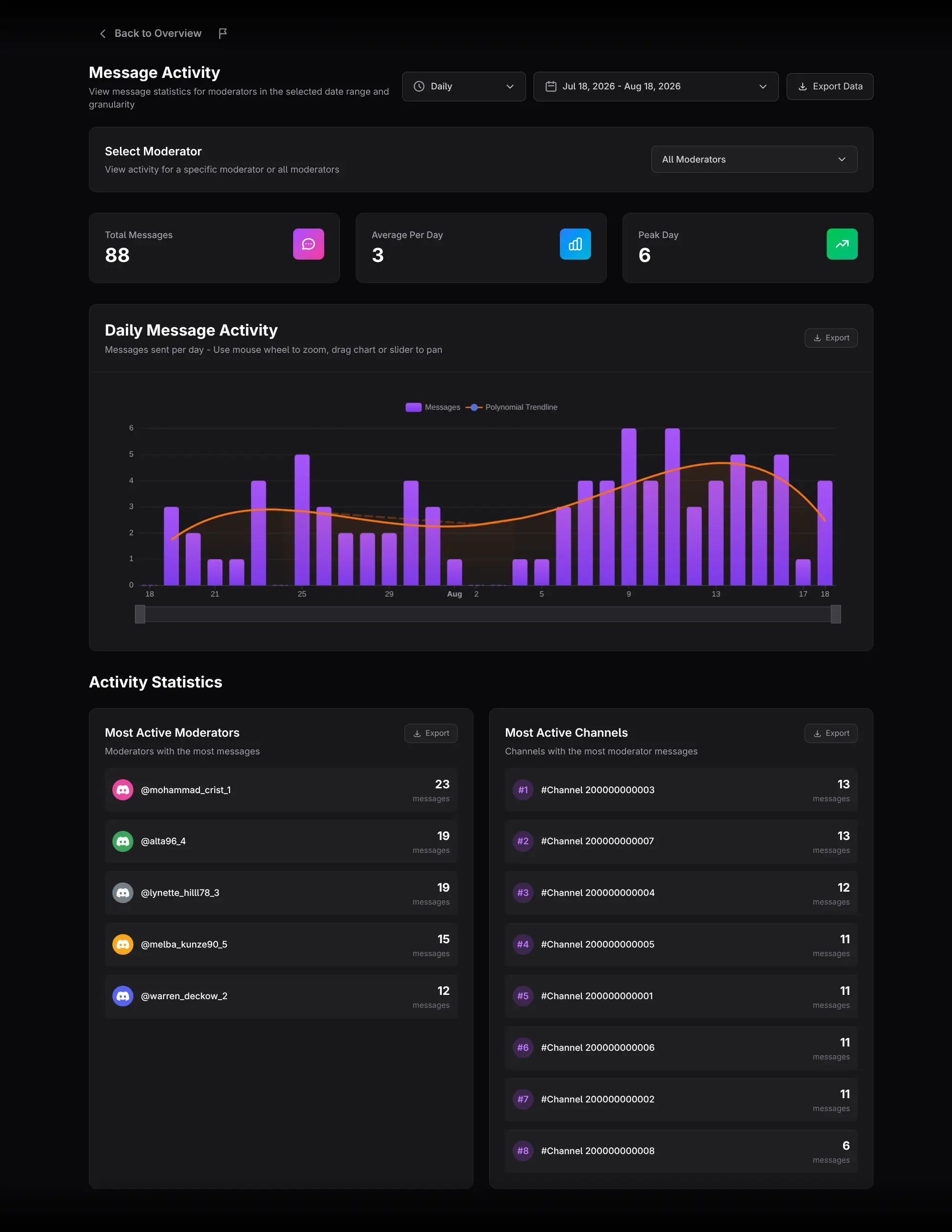
Select the scope
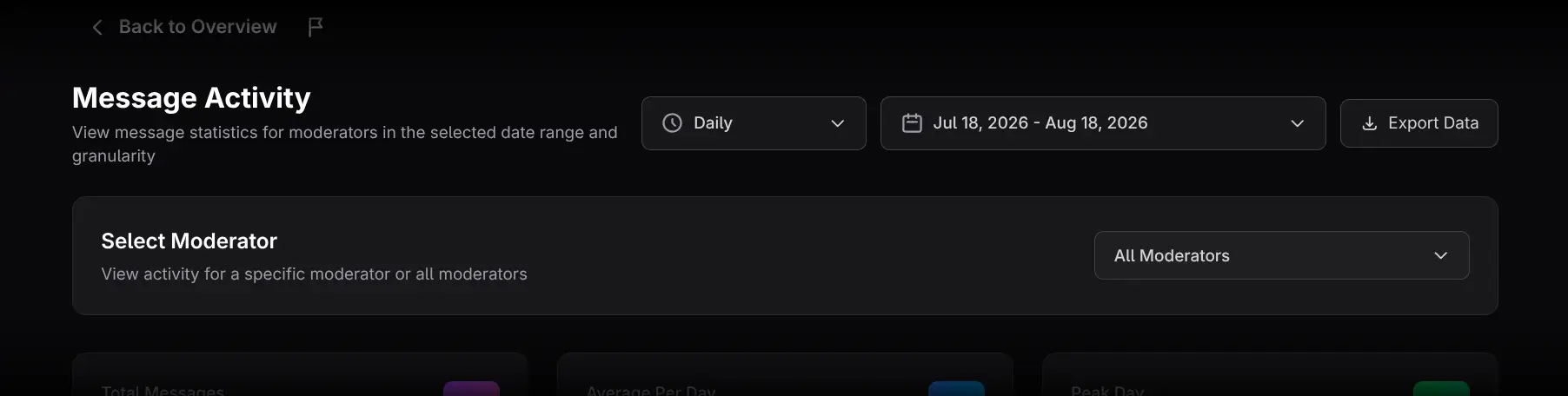
- Choose the date range and time granularity.
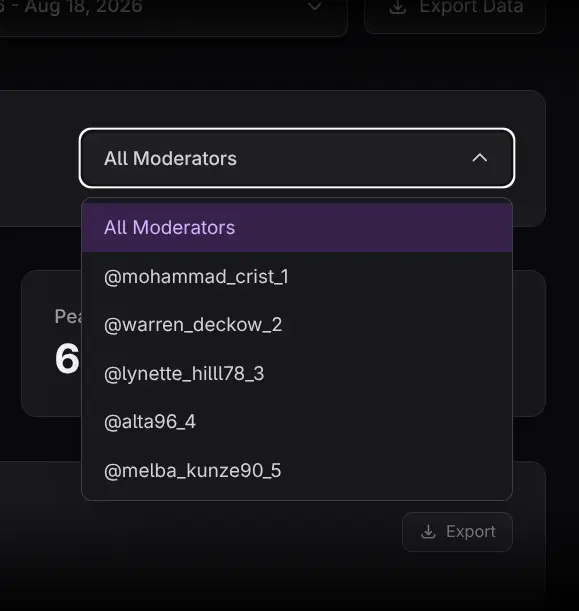
- Open Select Moderator.
- Keep All Moderators for a team view or select one person.
The moderator selection filters the summary cards, chart, leaderboards, replay, and exports.
Read the summary cards
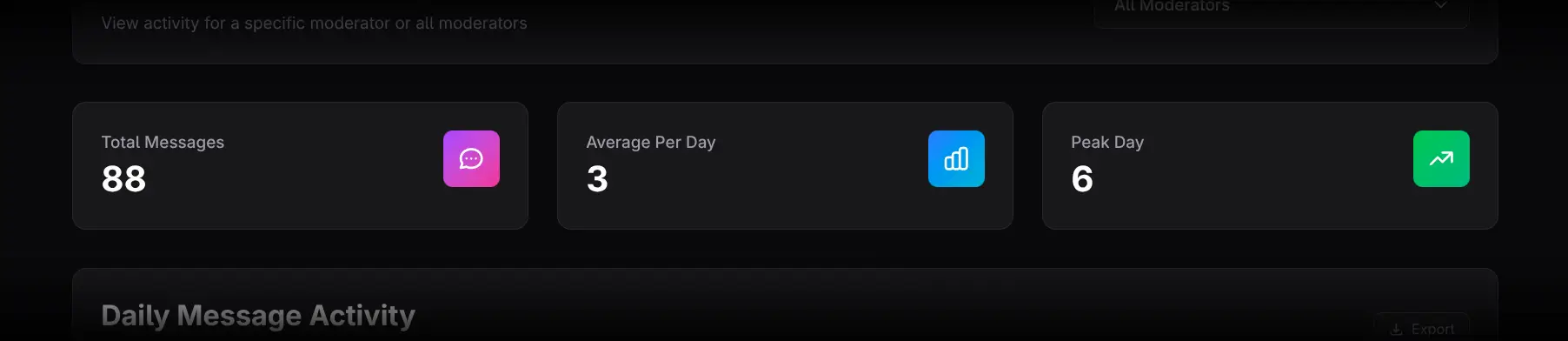
- Total Messages shows moderator message volume. Click it to open Message Replay for the selected moderator. With All Moderators selected, events are color-coded by moderator.
- Average Per Day shows normalized daily output. Click it for a per-moderator ranked breakdown.
- Peak Day identifies the highest-volume day. Click it to see which moderators drove it.
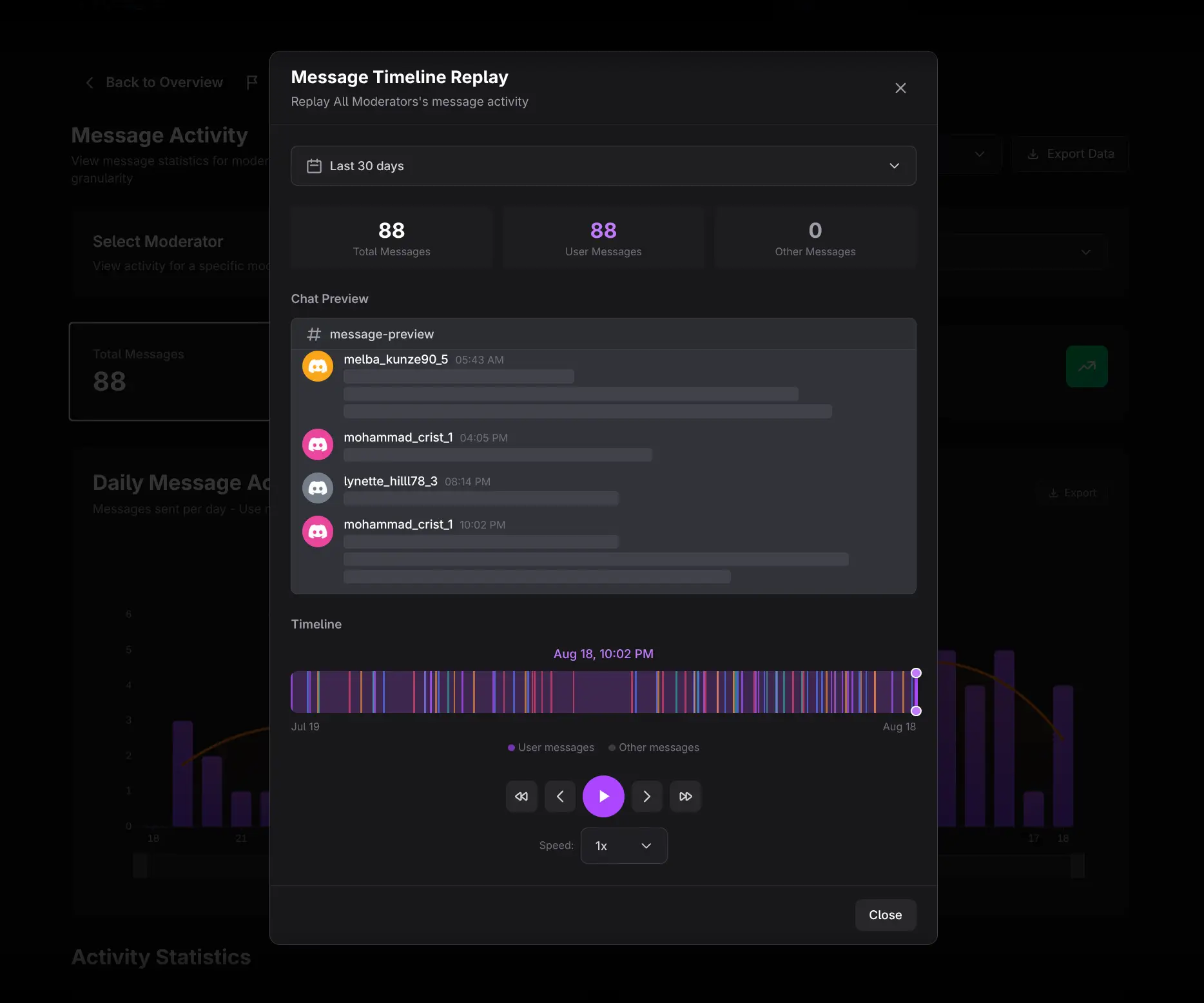
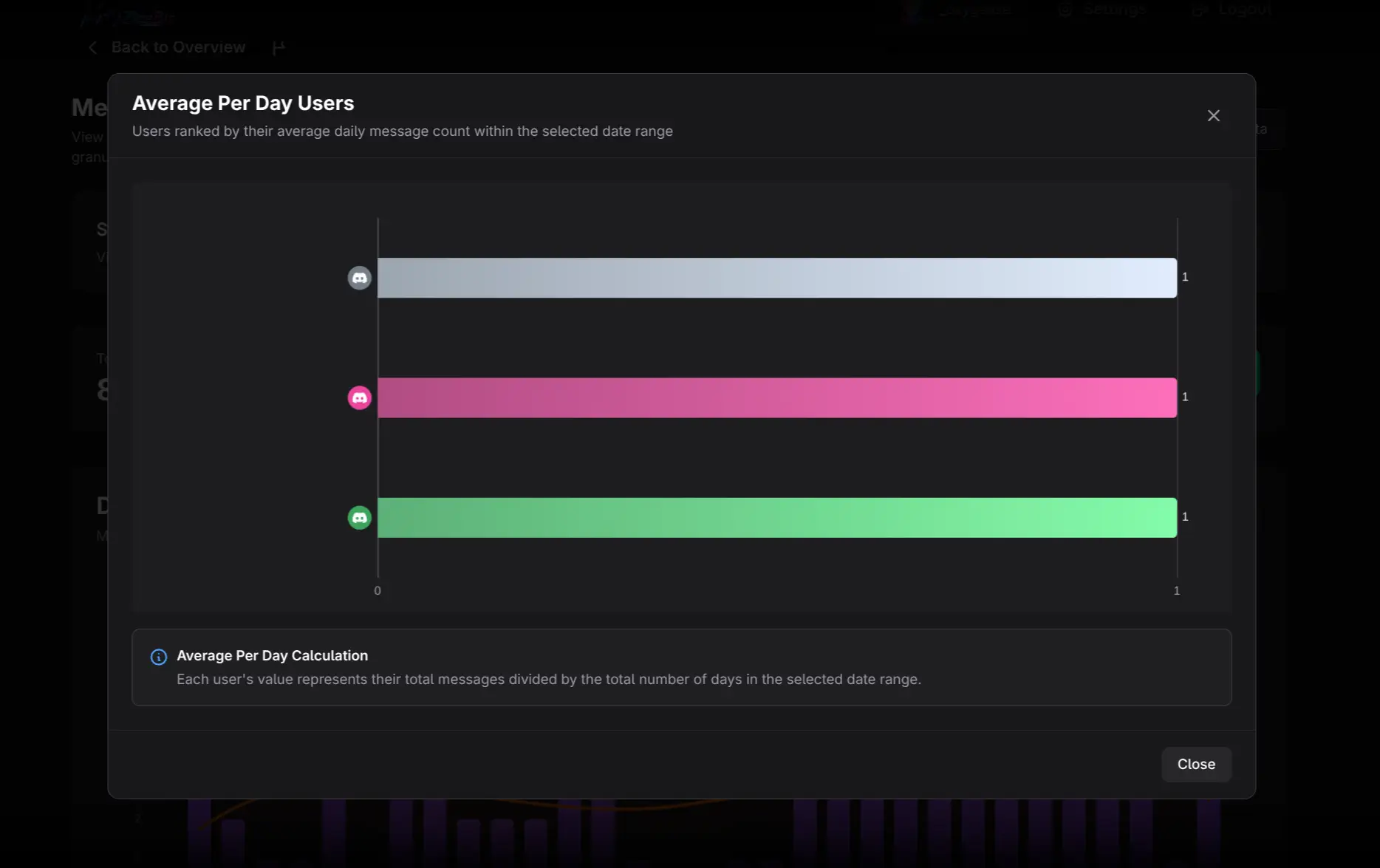
Click a moderator in a breakdown to open Member Details.
Analyze Daily Message Activity
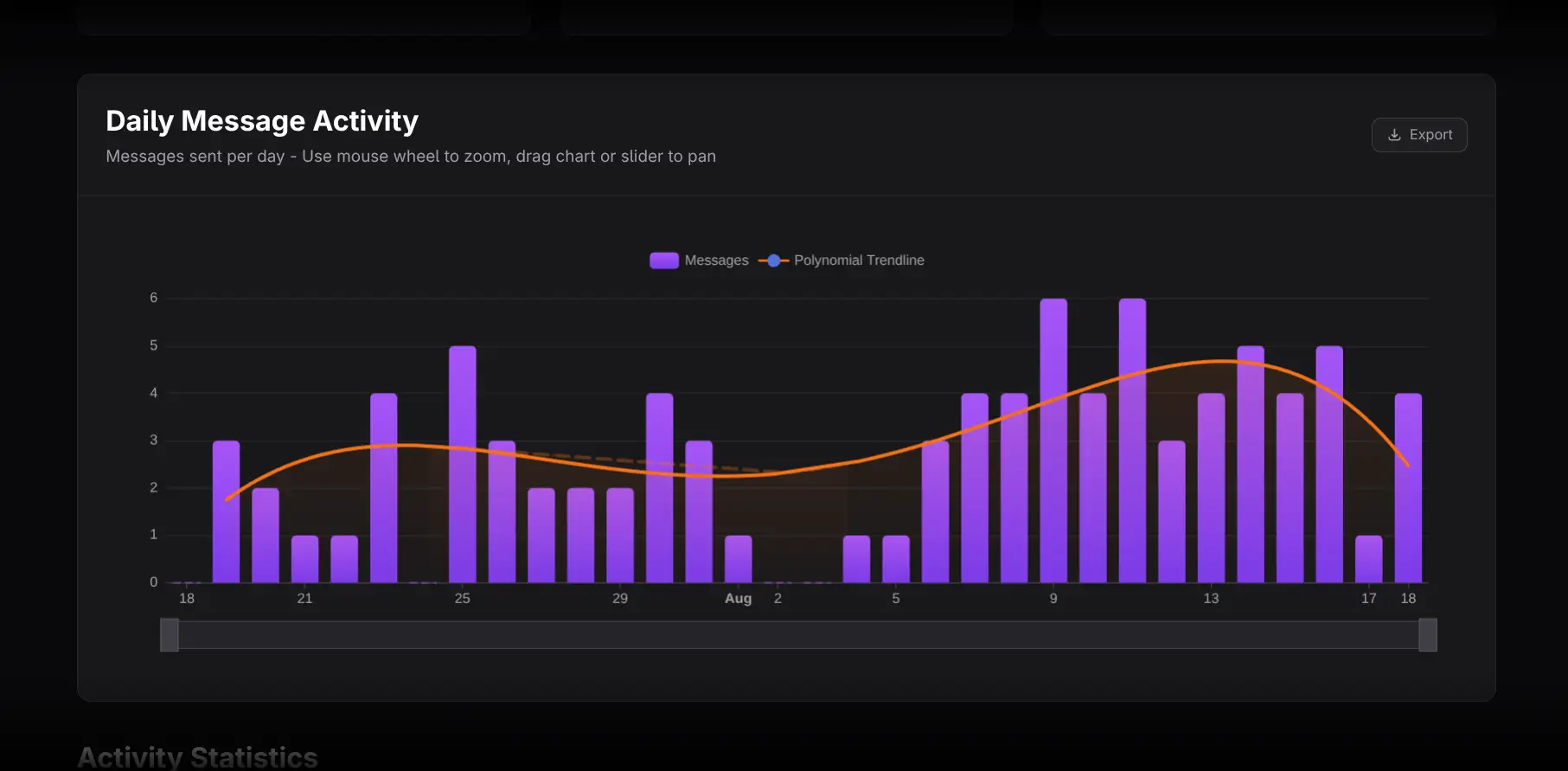
The chart shows moderator messages for each time bucket with a trendline.
- Hover for exact values.
- Zoom or pan to inspect a short interval.
- Compare equal-length periods using the same granularity.
- Distinguish an isolated operational event from a sustained trend.
Review leaderboards
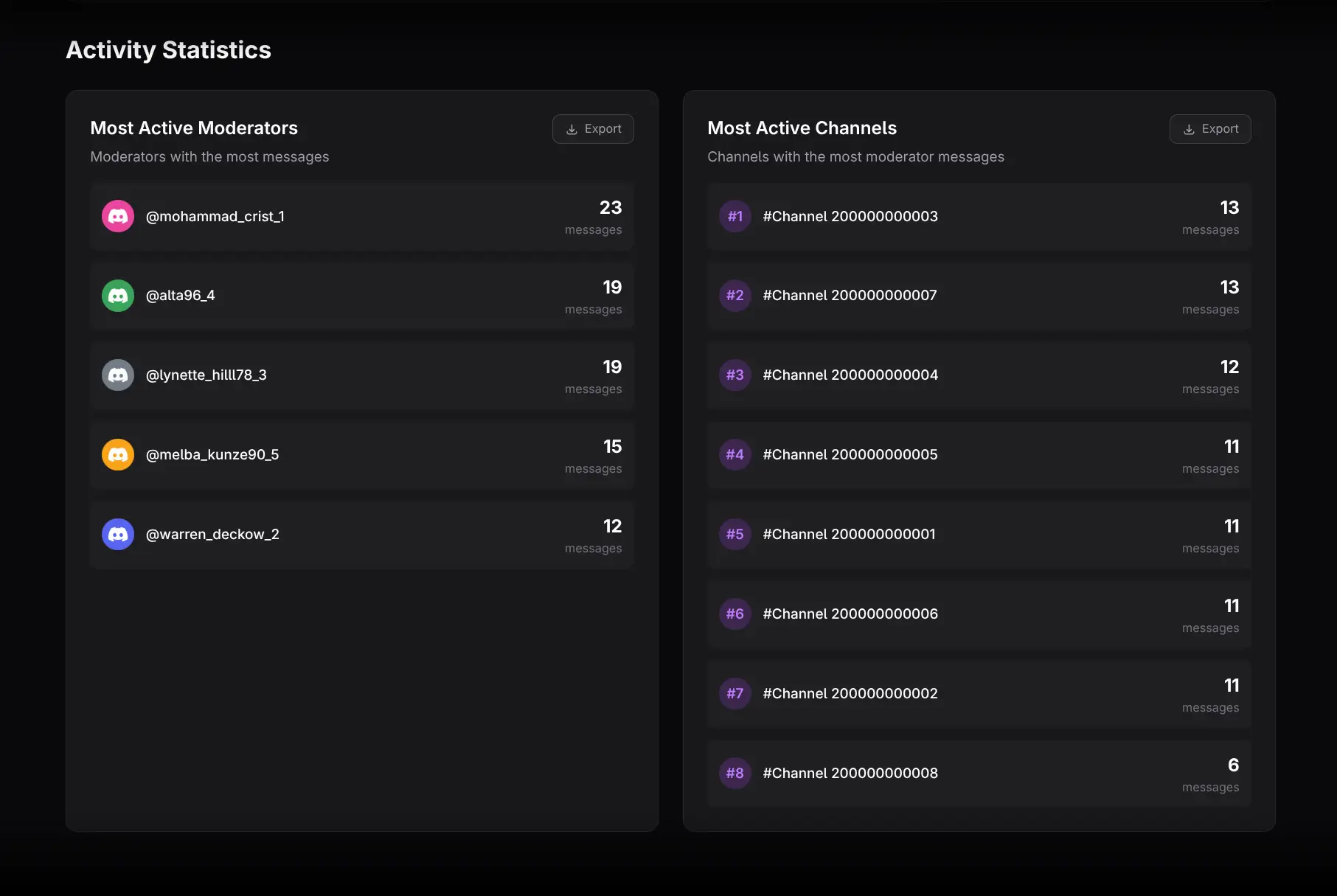
- Most Active Moderators ranks moderators by messages.
- Most Active Channels shows where moderator chat activity occurs.
Use channel context before evaluating a moderator. Different responsibilities can require very different public message volumes.
Practical workflows
Review coverage
Start with All Moderators, then select individuals. Look for time periods or channels with little team presence, but do not equate low message volume with poor moderation: some work occurs through actions, voice, or private coordination.
Investigate a major event
Set a narrow range, open Peak Day, and use Message Replay to reconstruct timing without exposing content. Compare with Message Moderation and Bans & Unbans for enforcement activity.
Compare team roles fairly
Use the individual filter and channel ranking. A support-focused moderator and an enforcement-focused moderator should not necessarily have similar message totals.
Exporting and cautions
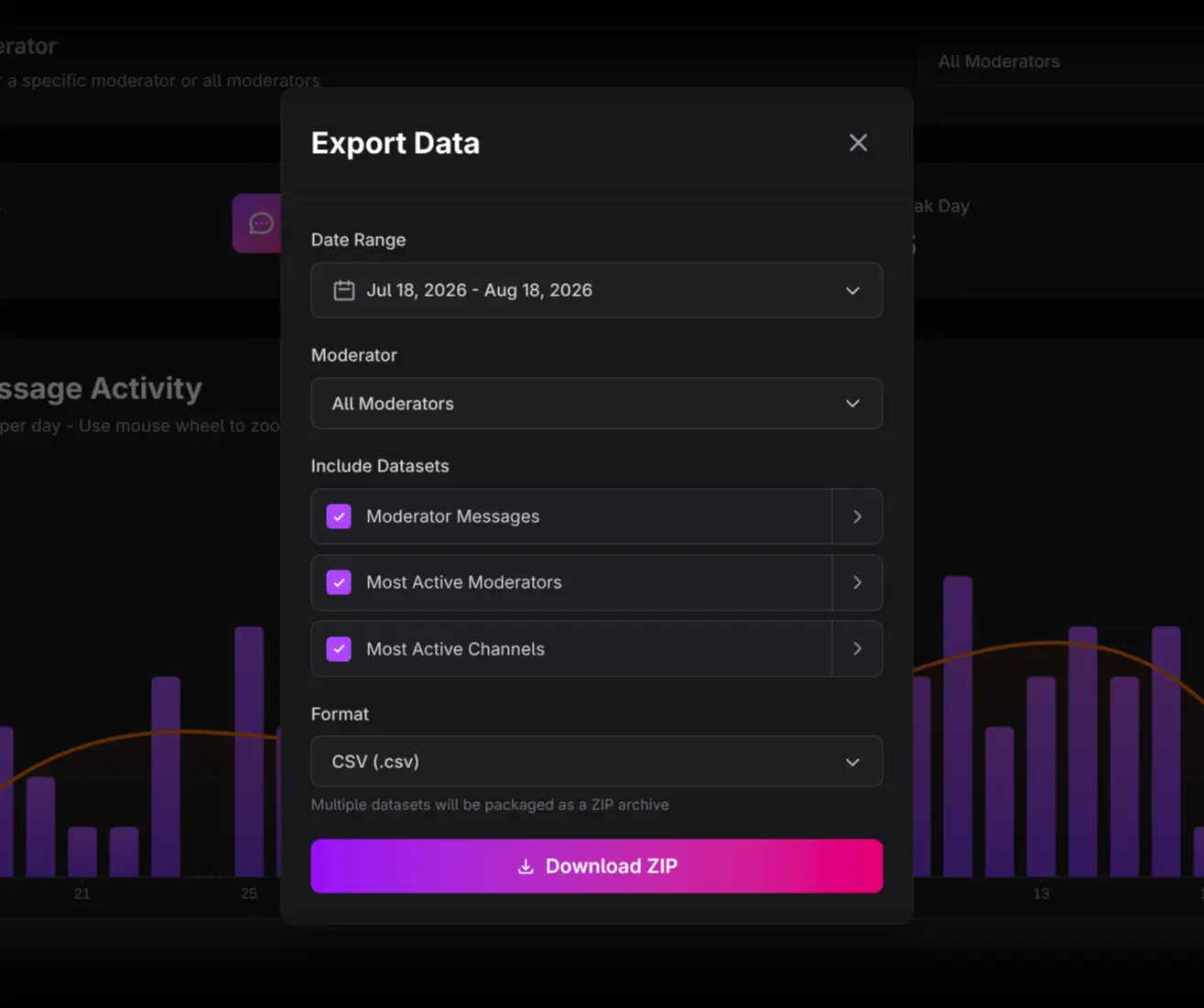
Use Export Data or chart-level Export. The moderator filter applies to exported data, and the export dialog can also select a moderator.
- Message count is not a complete moderator-performance metric.
- Replay shows metadata and timing, never message text.
- Team comparisons require role and schedule context.
- Low public activity may coexist with substantial moderation actions.