Invites
Learn how to evaluate invite coverage, inviter performance, invite codes, and invited-member retention.
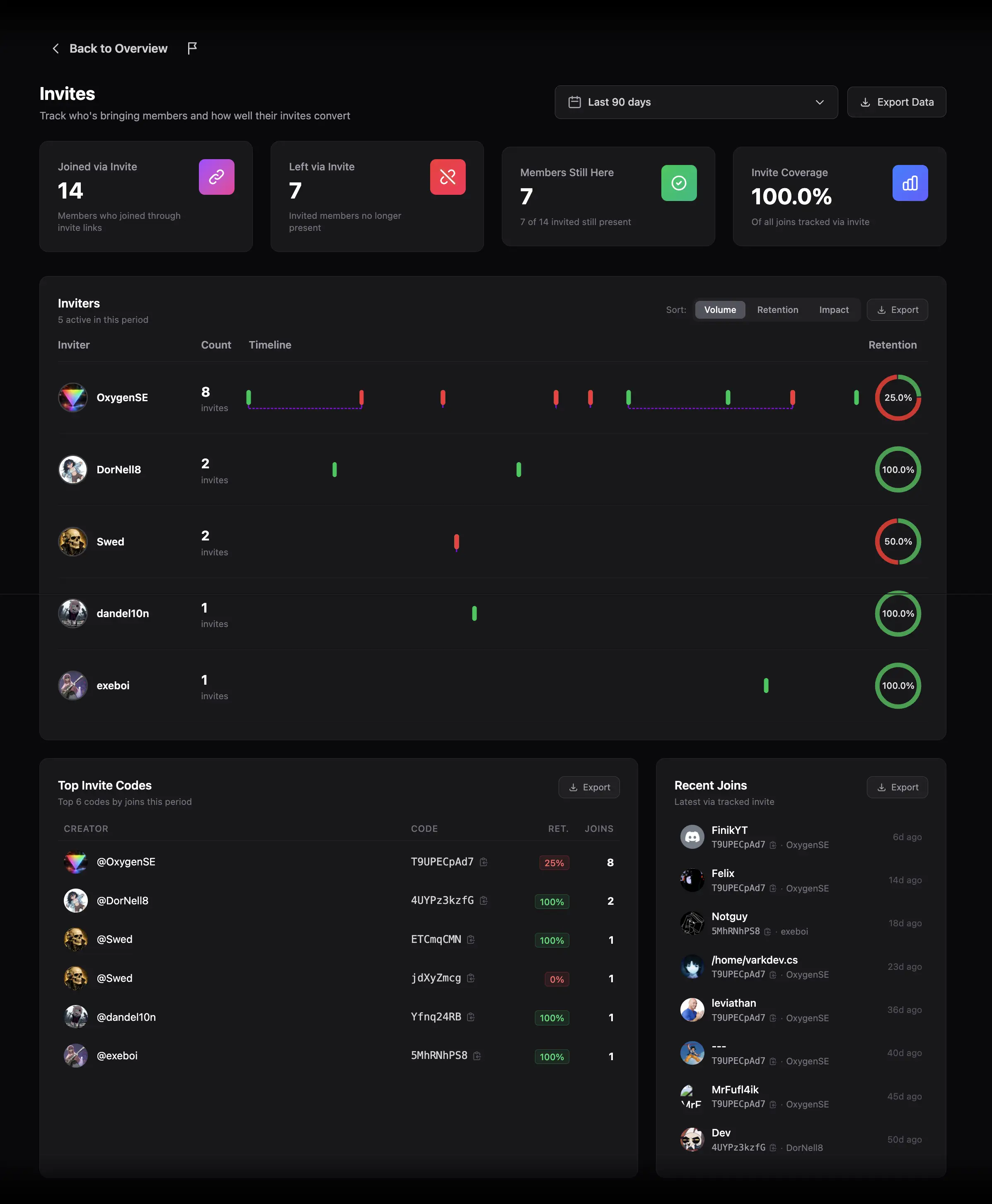
The Invites report connects member acquisition with invite sources and retention. It shows which joins can be attributed to tracked Discord invite links, who created those invites, and whether invited members remained in the server.
Set the date range
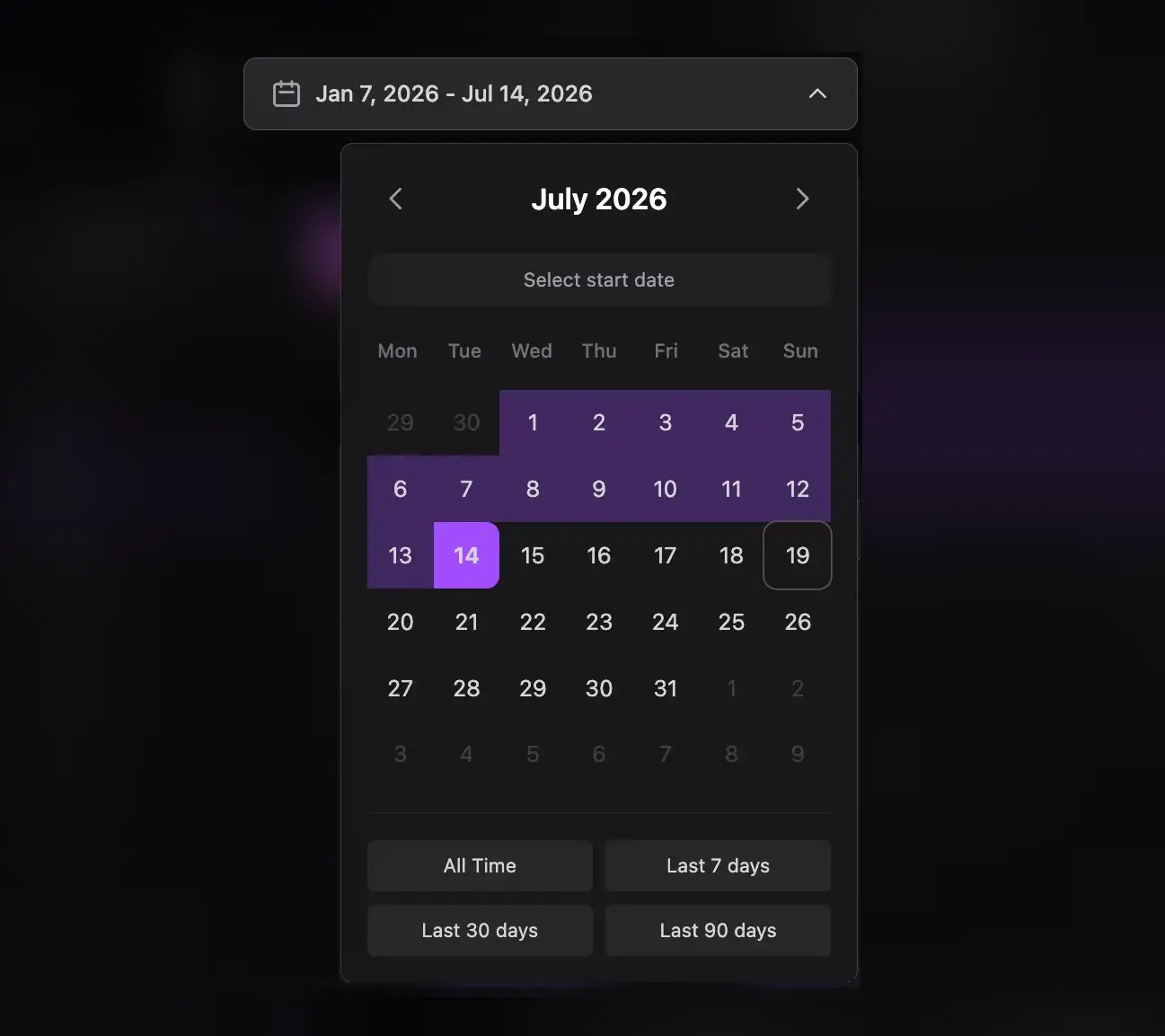
Choose the period you want to evaluate. This page has no granularity selector because it analyzes invite events and inviter performance rather than time-bucketed trend lines.
Understand the four funnel cards

- Joined via Invite: members whose join was linked to a tracked invite.
- Left via Invite: invited members who later left.
- Members Still Here: invited members who remain.
- Invite Coverage: the percentage of all joins for which ZleeBit knows the invite source.
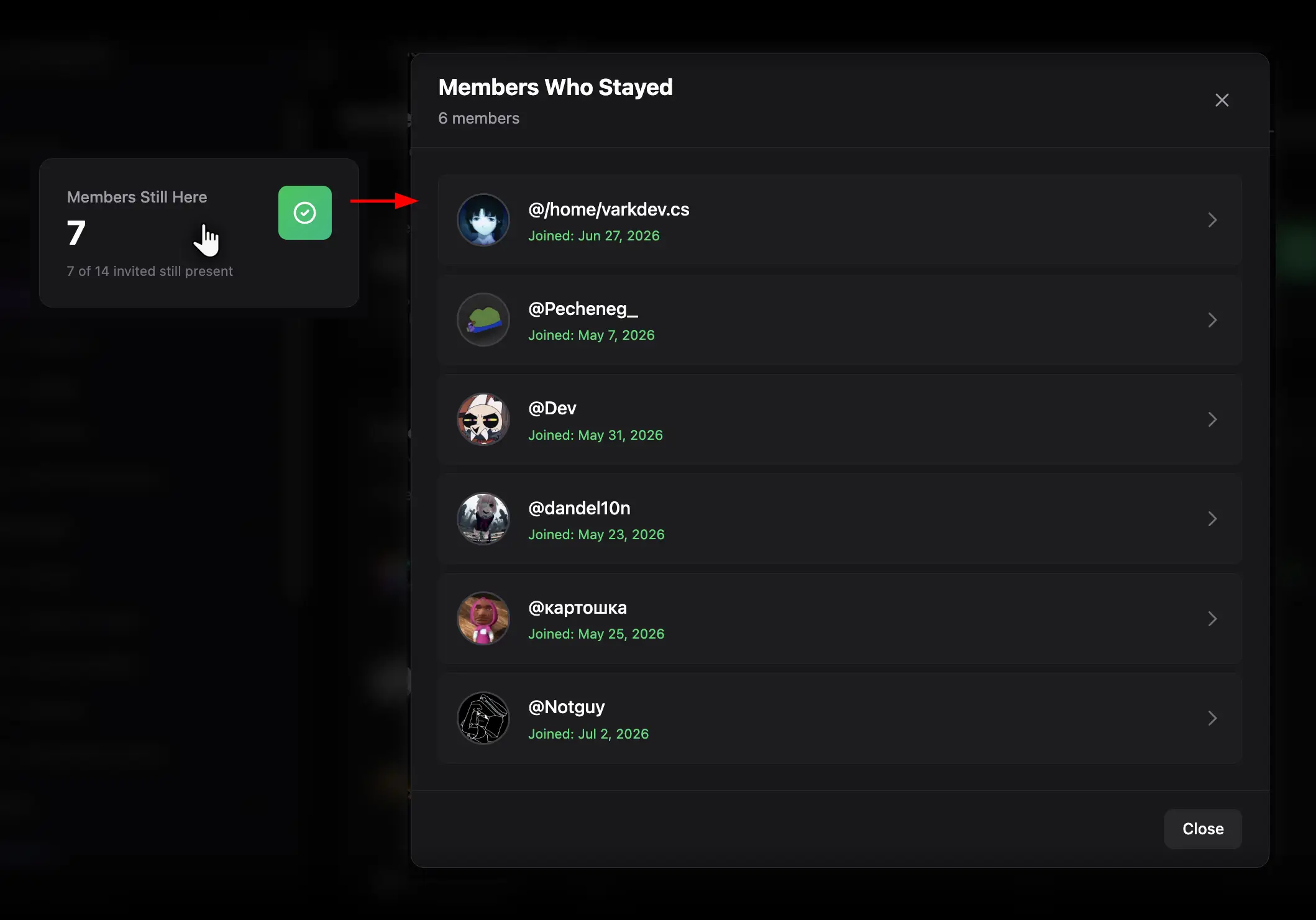
Click any card to open the corresponding member list. Low coverage limits how confidently you can compare inviters, because unattributed joins are excluded from source-level analysis.
Compare inviters
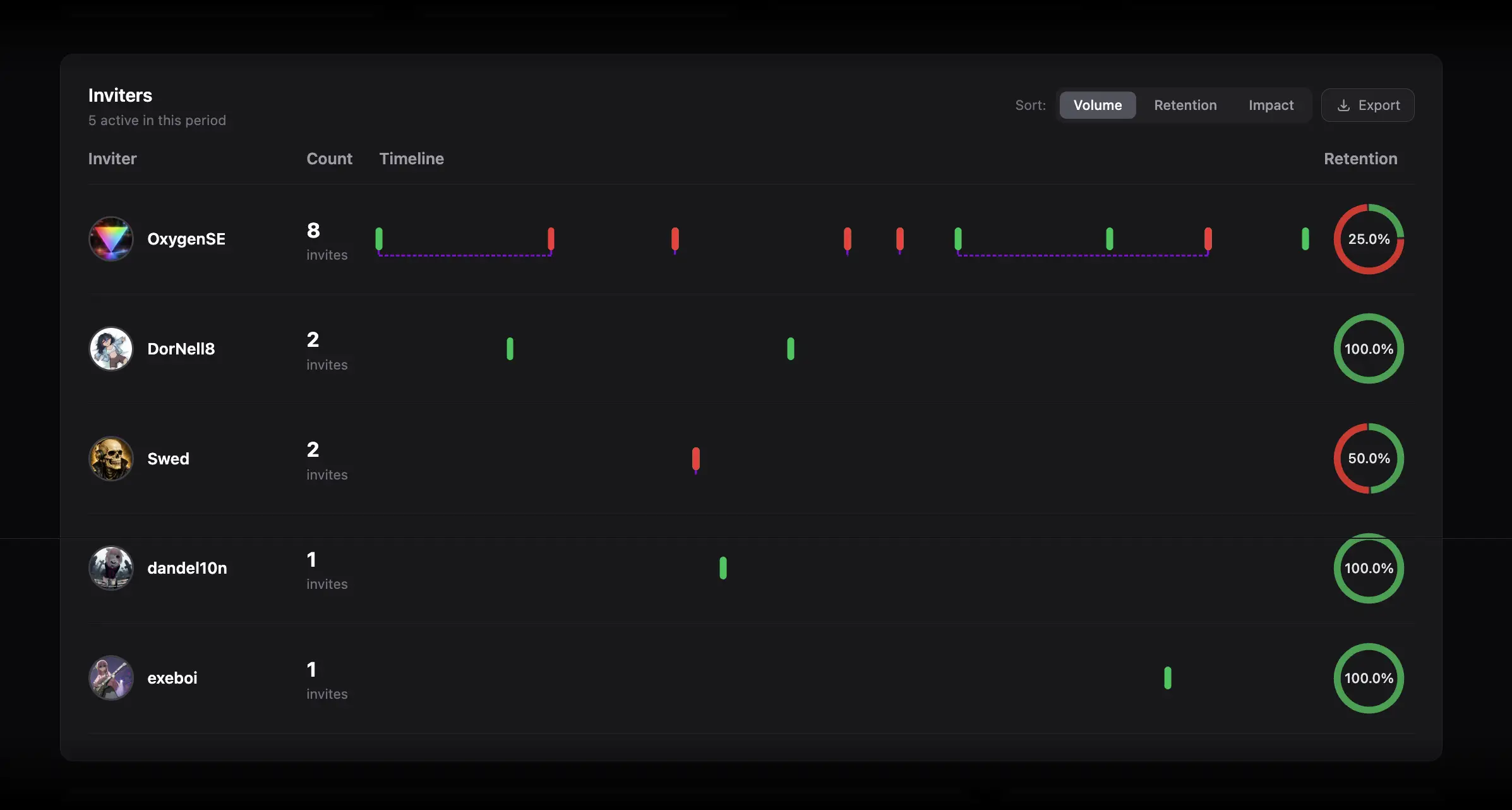
Use the inviter table to sort performance in three ways:
- Volume favors inviters who generated the most joins.
- Retention favors inviters whose invited members remained.
- Impact provides a combined view of acquisition and retention.
Each row includes an invite timeline. Green markers represent joins. If an invited member left, a red marker and dashed connector show the departure. Hover for details and click a marker to open that member's profile.
The retention donut divides an inviter's members into stayed and left groups. Click the green or red slice to open the exact members in that group.
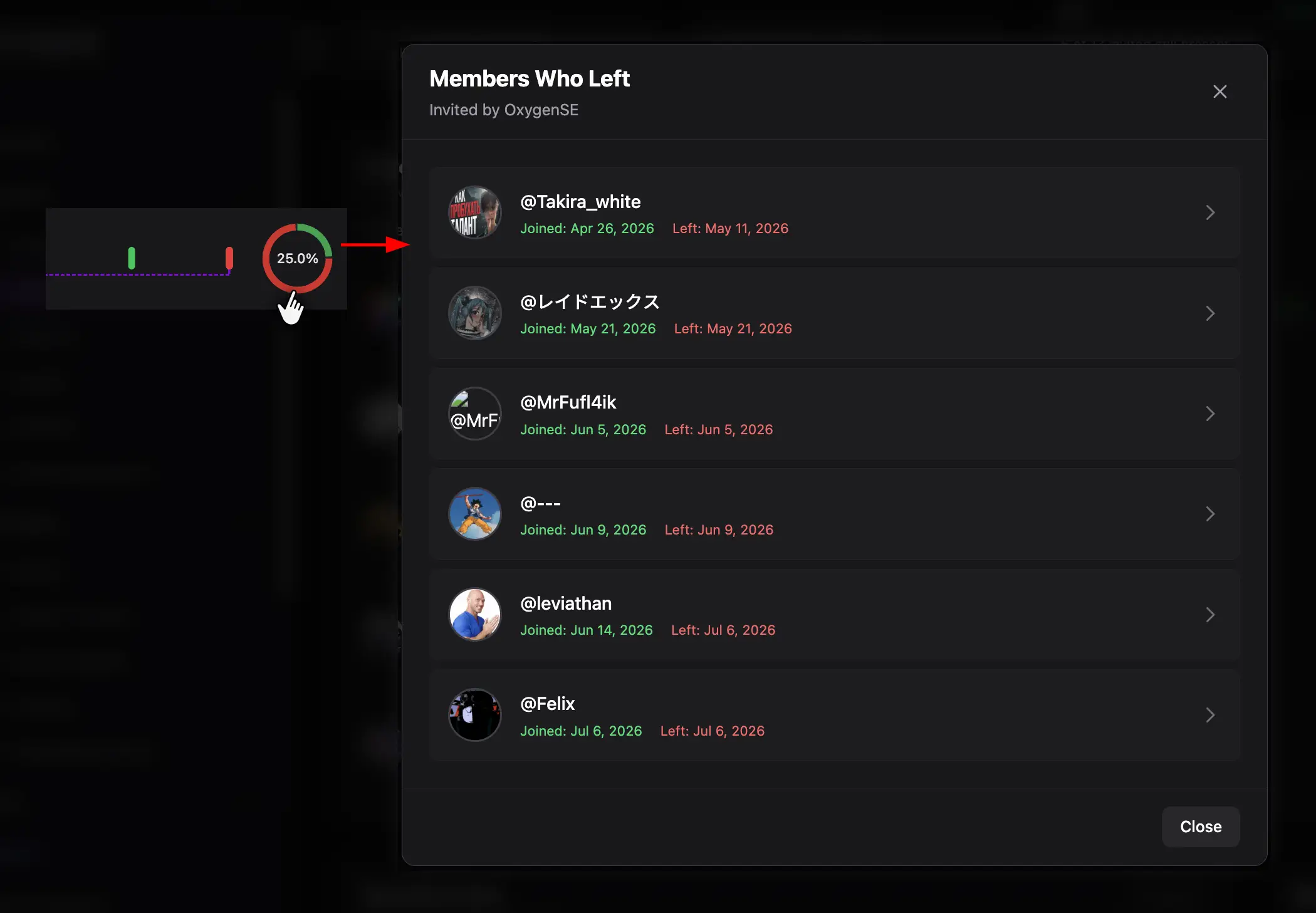
Use Top Invite Codes
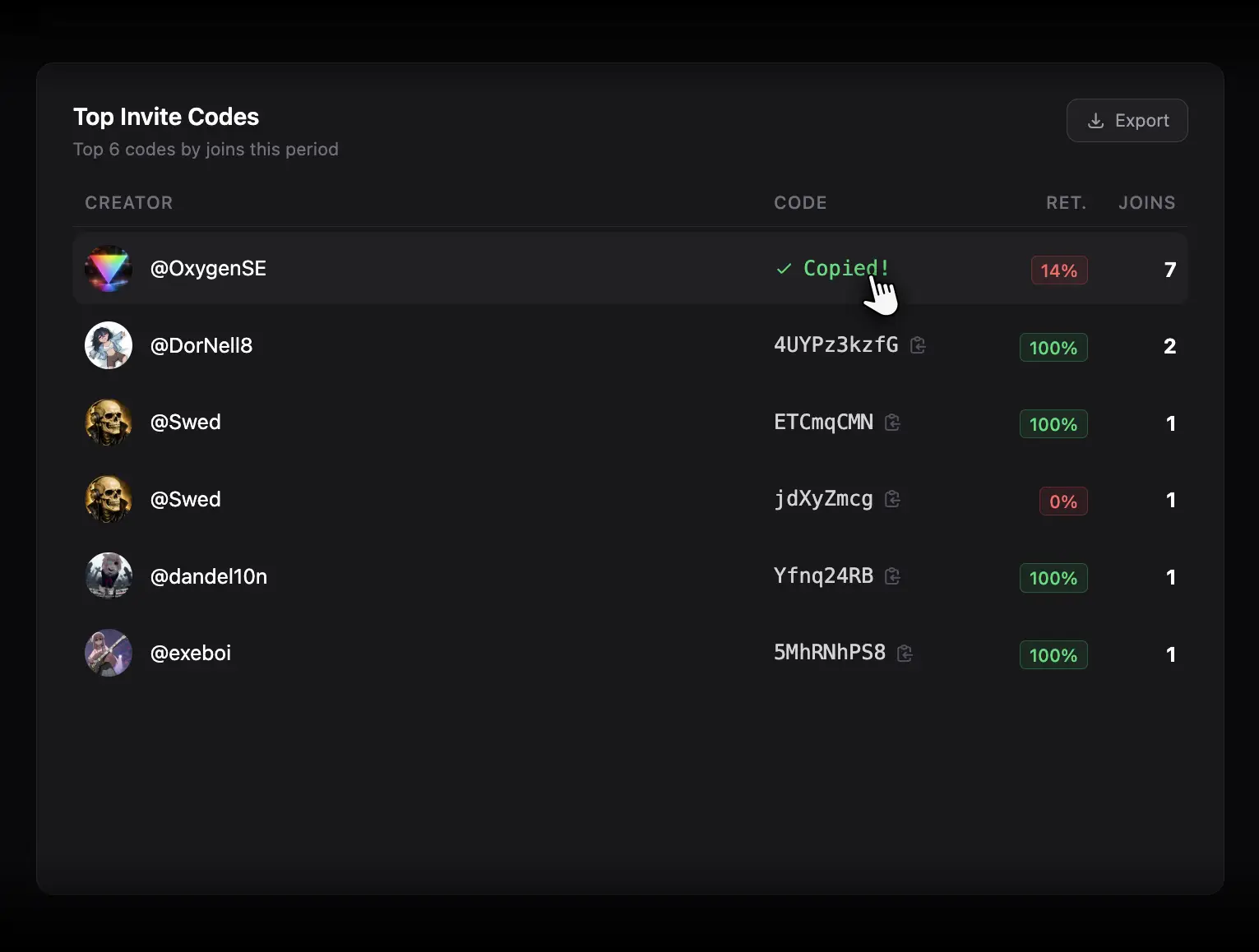
This list ranks individual invite codes. Click a code to copy its full discord.gg/... link; ZleeBit briefly confirms that it was copied. Codes and inviters are related but not identical: one inviter may create more than one code.
Review Recent Joins
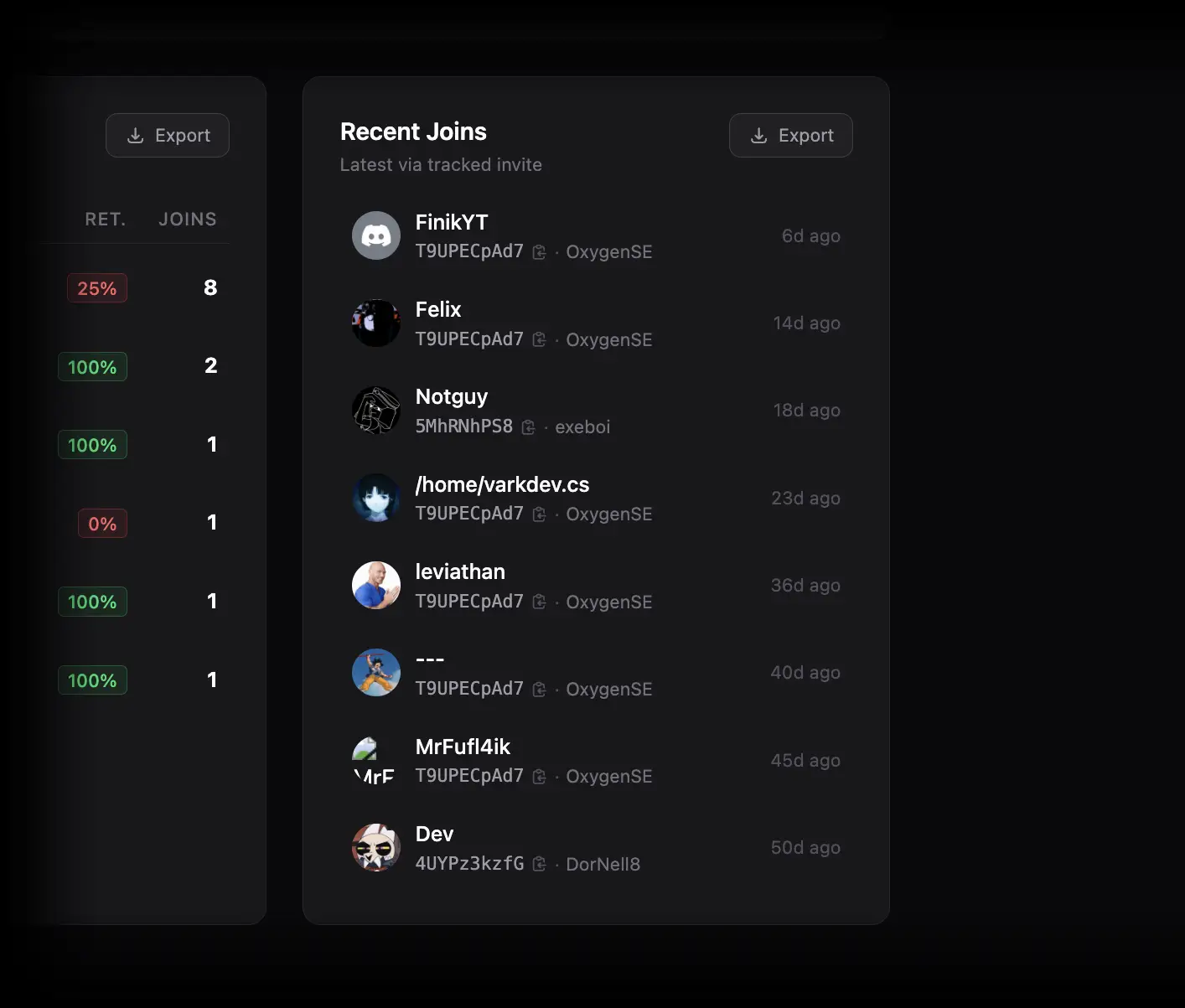
Recent Joins shows the latest tracked invite-based joins. Open the joining member or the inviter to inspect their profiles. This is useful for spot-checking current acquisition without changing the full reporting period.
Practical workflows
Find scalable acquisition sources
- Choose a period long enough for retention to be meaningful.
- Sort by Volume to find major sources.
- Re-sort by Retention and Impact.
- Open stayed and left slices for the leading inviters.
- Compare those members in Onboarding Activity and message reports.
Audit invite tracking
Monitor Invite Coverage. If it is unexpectedly low, avoid treating inviter rankings as a complete acquisition picture. Verify that the bot was present and able to observe the relevant joins and invite changes.
Reward community advocates
Use a combination of meaningful volume and retention rather than raw joins alone. An inviter who brings fewer but longer-lasting members may be more valuable than one producing many immediate departures.
Exporting and limitations
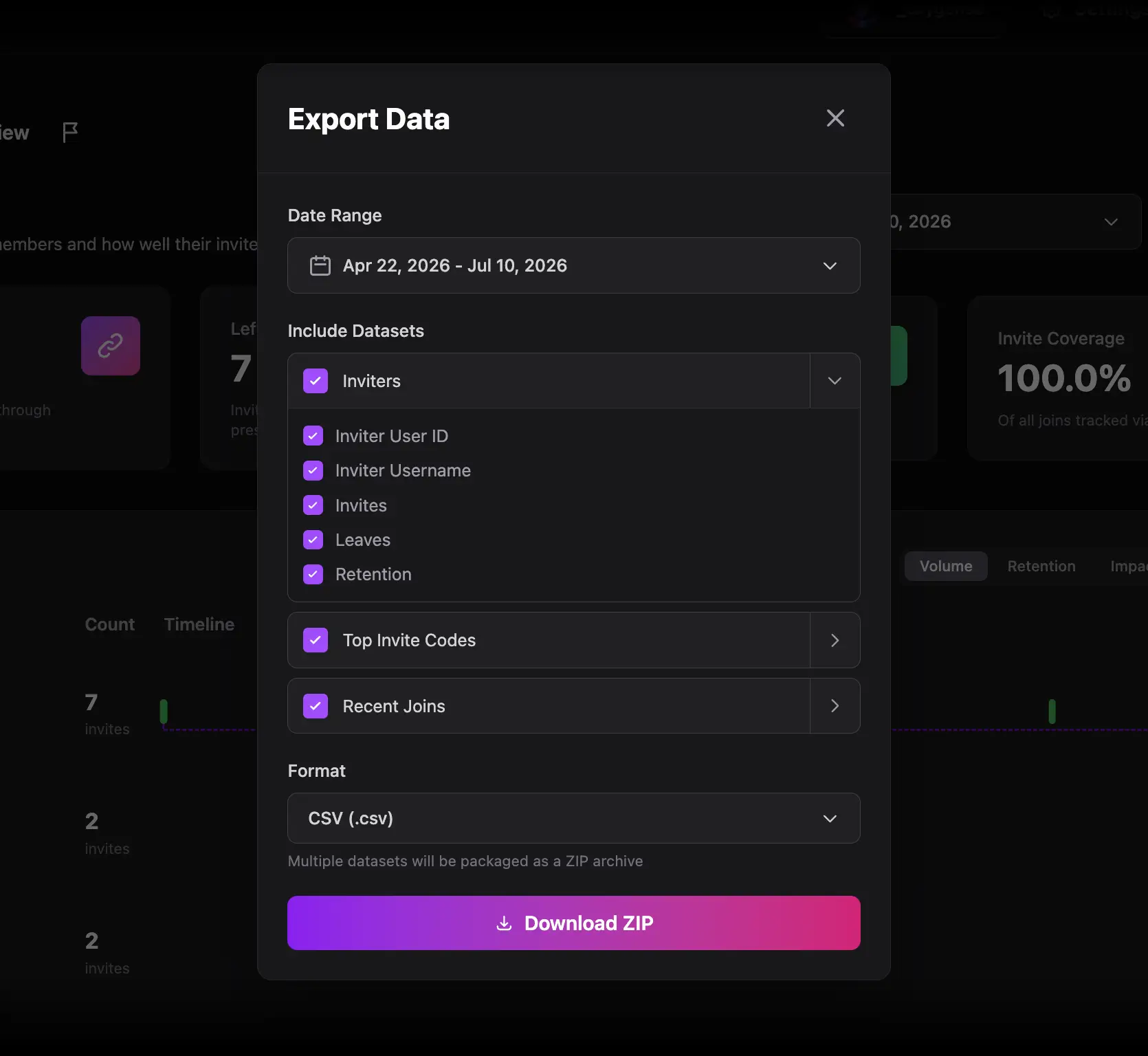
Use Export Data or section-level Export controls to download invite, inviter, code, and member-level data. Export settings can use a different date range and selected columns.
- Retention improves with observation time; recent invite cohorts have had less time to leave.
- Invite attribution may be incomplete.
- The report shows relationships and outcomes, but does not prove why a member stayed or left.