Onboarding Activity
Learn how to measure first-message speed, chat conversion, silent members, and first-message channels.
The Onboarding Activity report measures how long new members take to send their first message. It also identifies silent members who joined but have never sent a message.
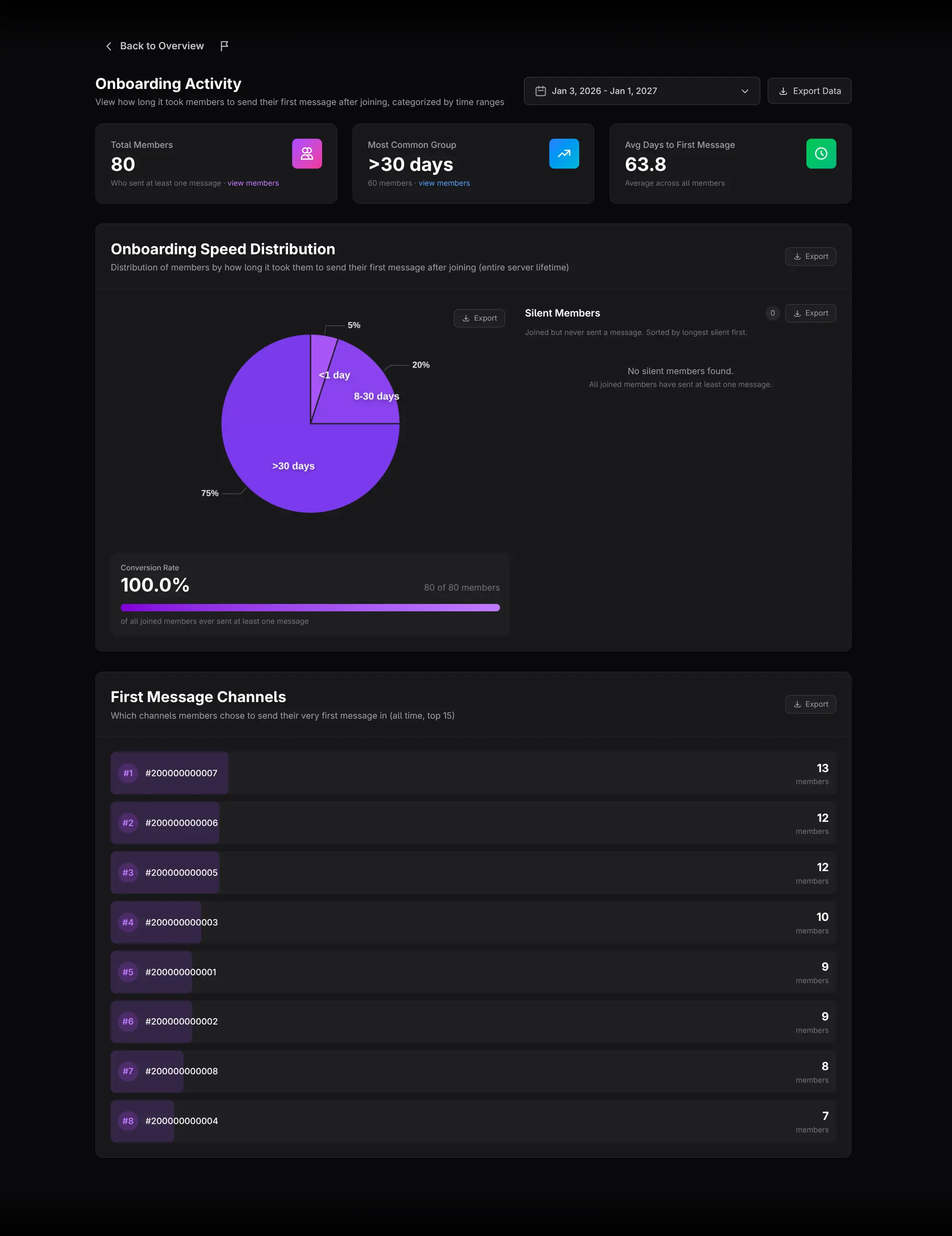
Select the member cohort
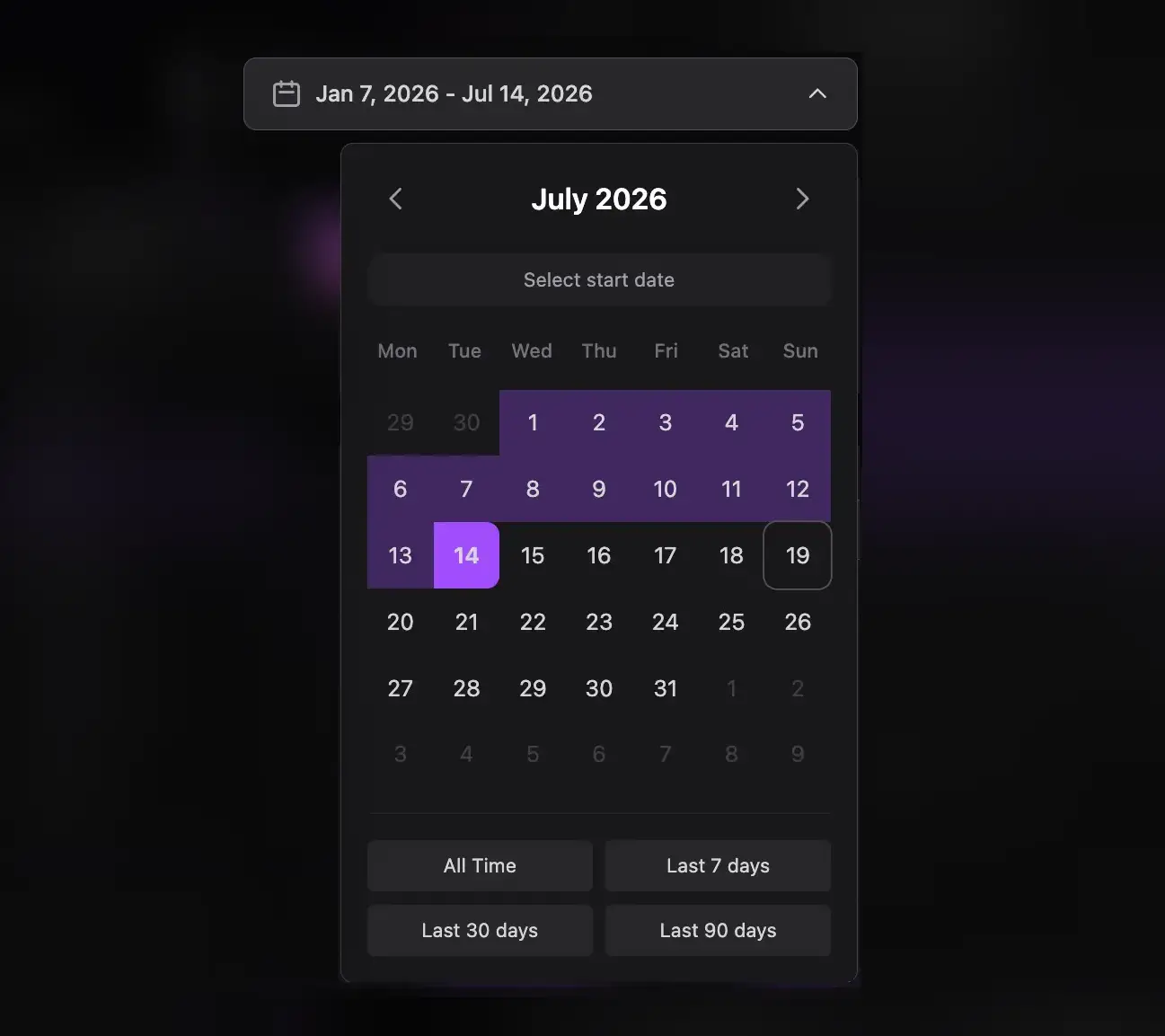
Choose a join-date range. The report evaluates members in that cohort and their first-message behavior. There is no granularity selector because each member is classified by elapsed time after joining.
Read the summary cards
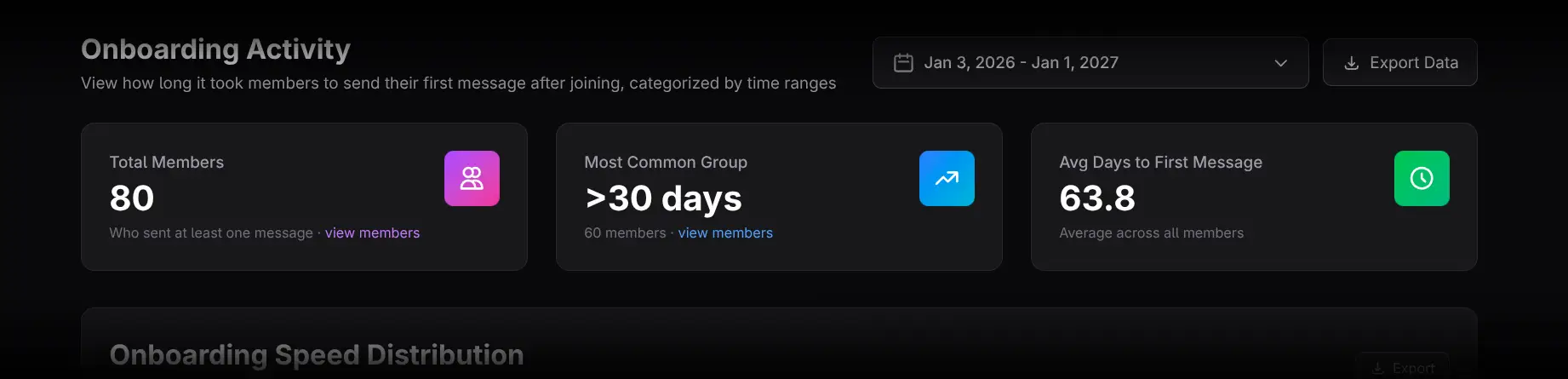
- Total Members counts members in the analysis who sent at least one message. Click view members for the list.
- Most Common Group shows the largest onboarding-speed bucket. Click view members to inspect it.
- Avg Days to First Message shows the mean delay among members with a recorded first message.
An average can be pulled upward by very slow members, so always compare it with the bucket distribution.
Use Onboarding Speed Distribution
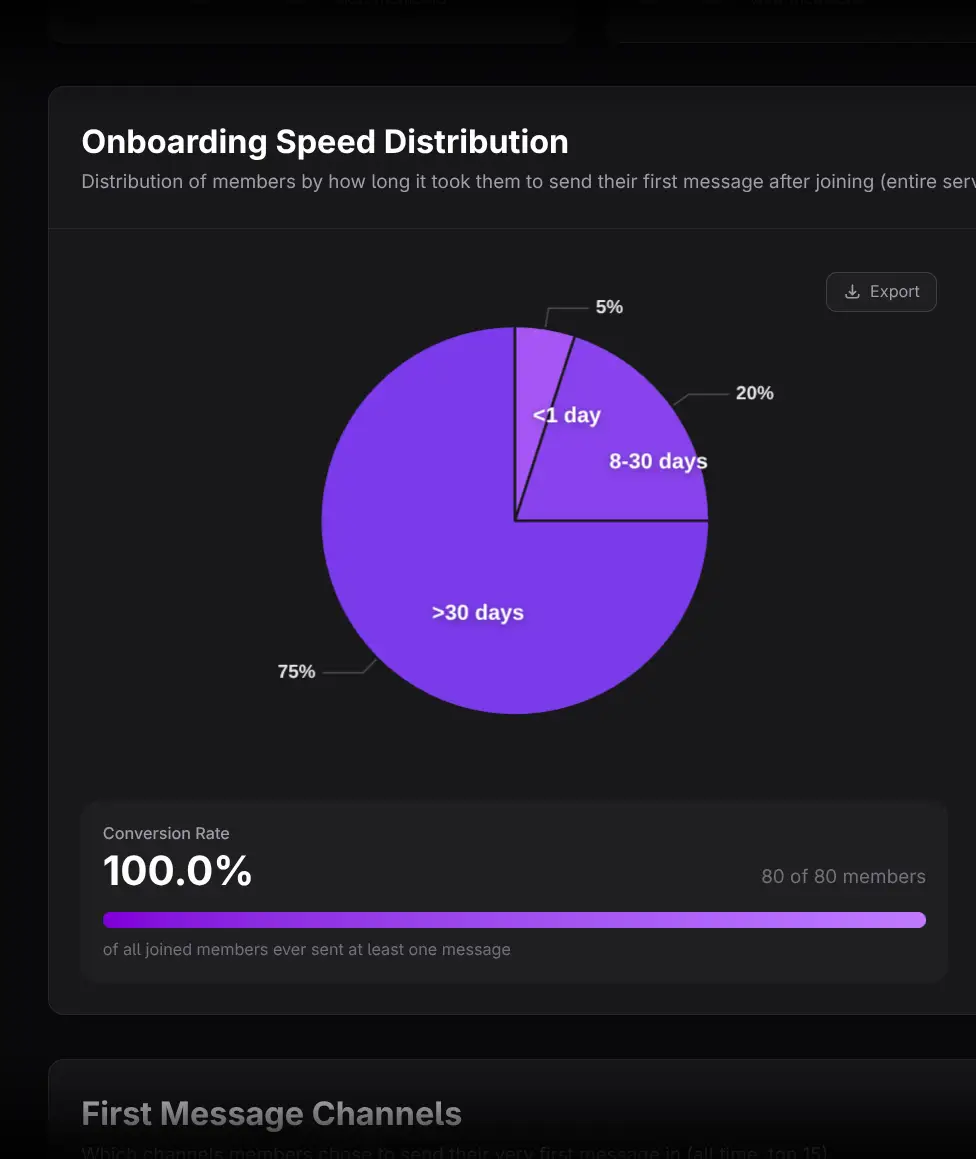
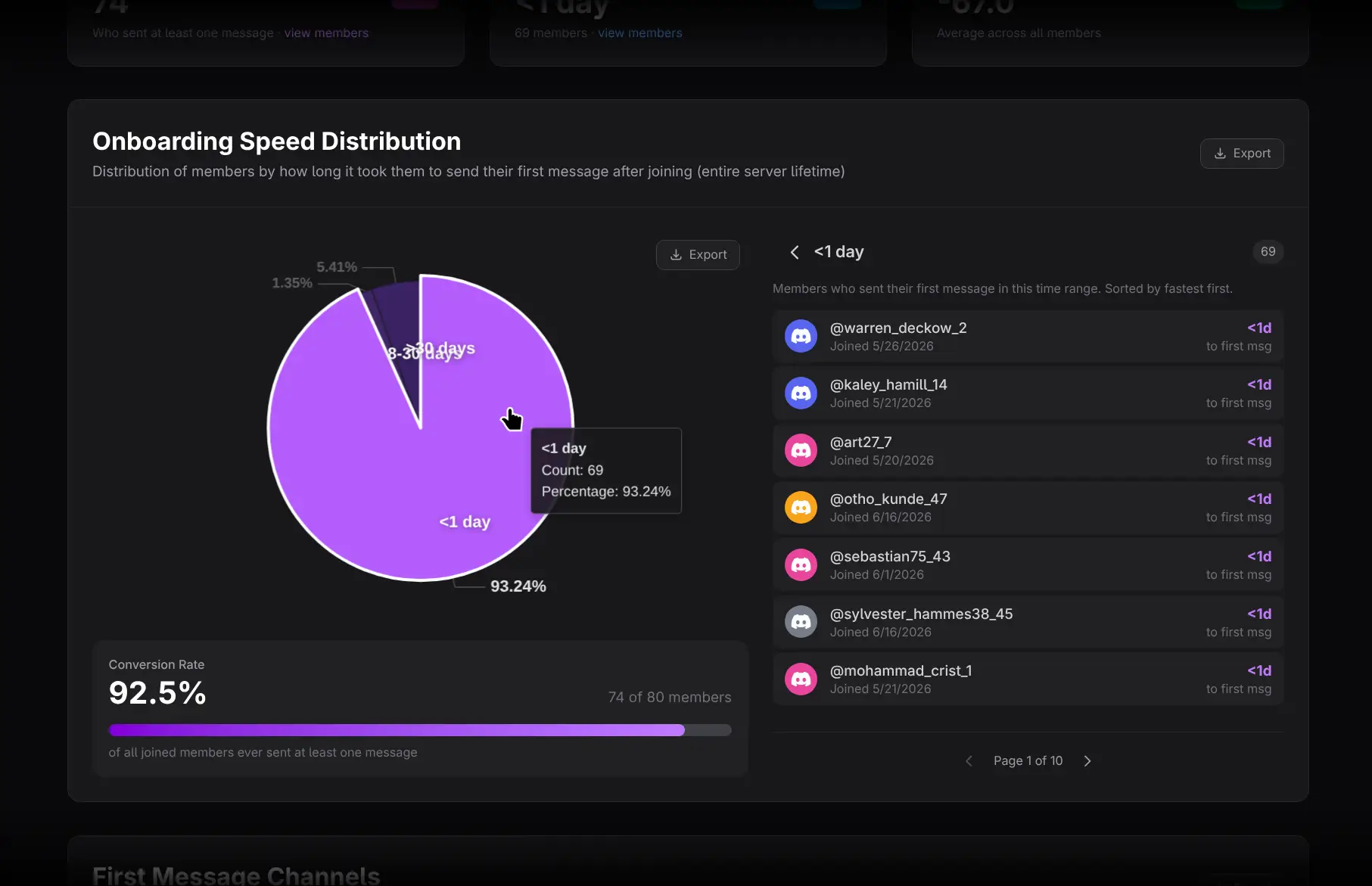
Members are grouped into:
- Less than 1 day
- 1–7 days
- 8–30 days
- More than 30 days
Click a pie slice to replace the side panel with the members in that bucket, ordered fastest first. Click the slice again or use the back arrow to return to Silent Members. Click a member to open Member Details.
Review Silent Members
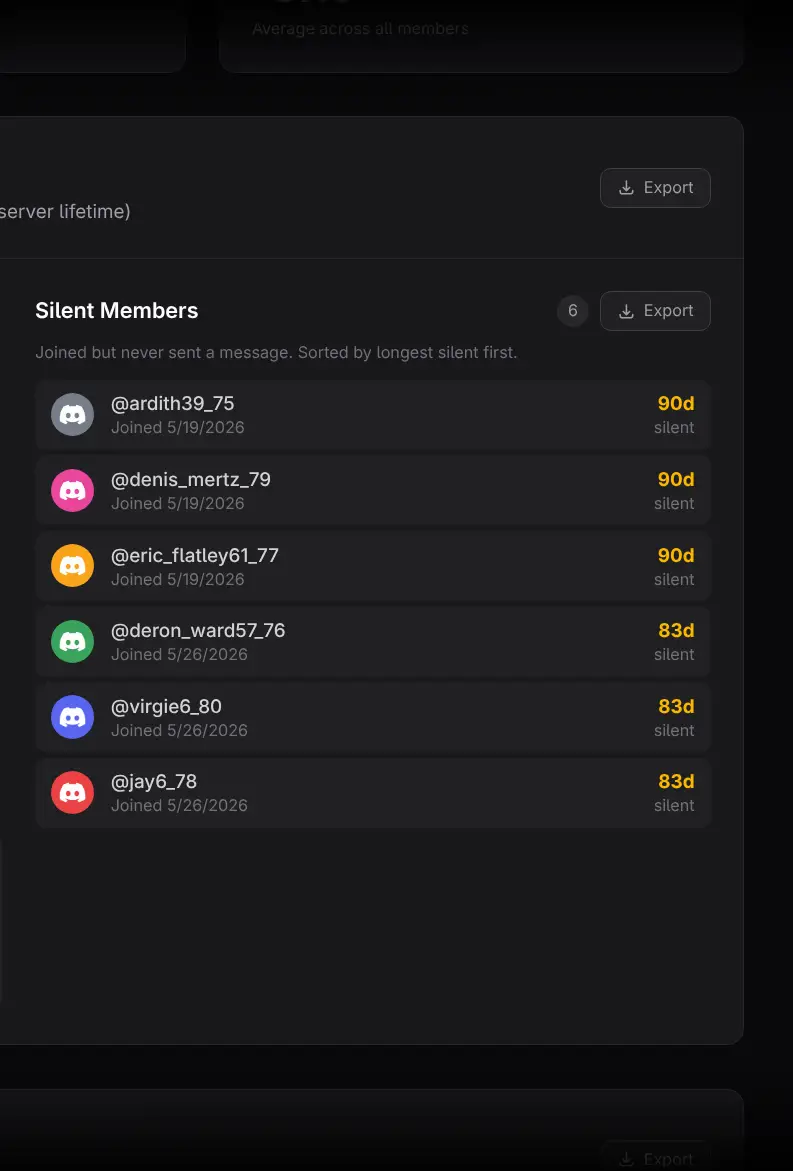
Silent Members joined but have never sent a recorded message. This is not the same as total inactivity: a person may read, use voice, react, or participate through other activity types. Check other reports before treating the member as disengaged.
Read Conversion Rate
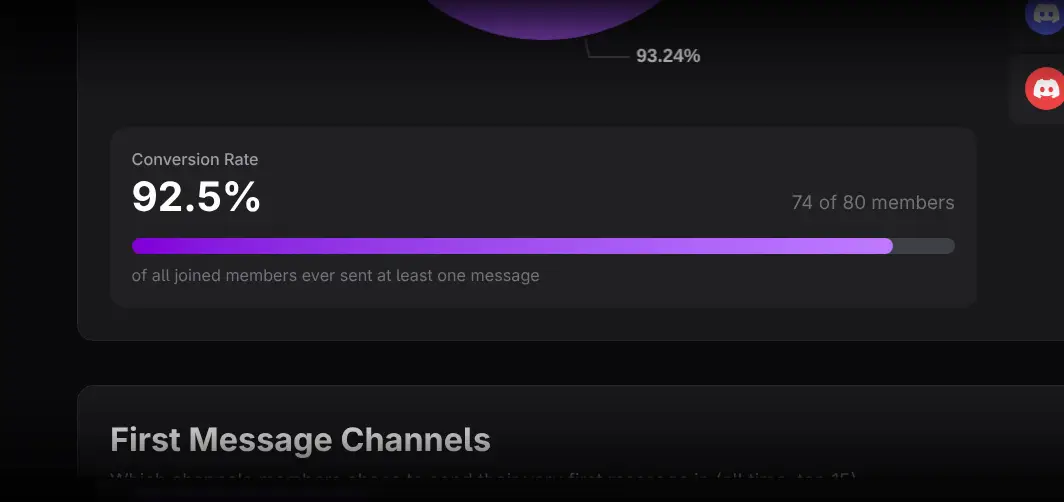
Conversion Rate is the percentage of all joined members, including silent members, who eventually sent at least one message. Use it as an activation metric for the selected cohort.
Analyze First Message Channels
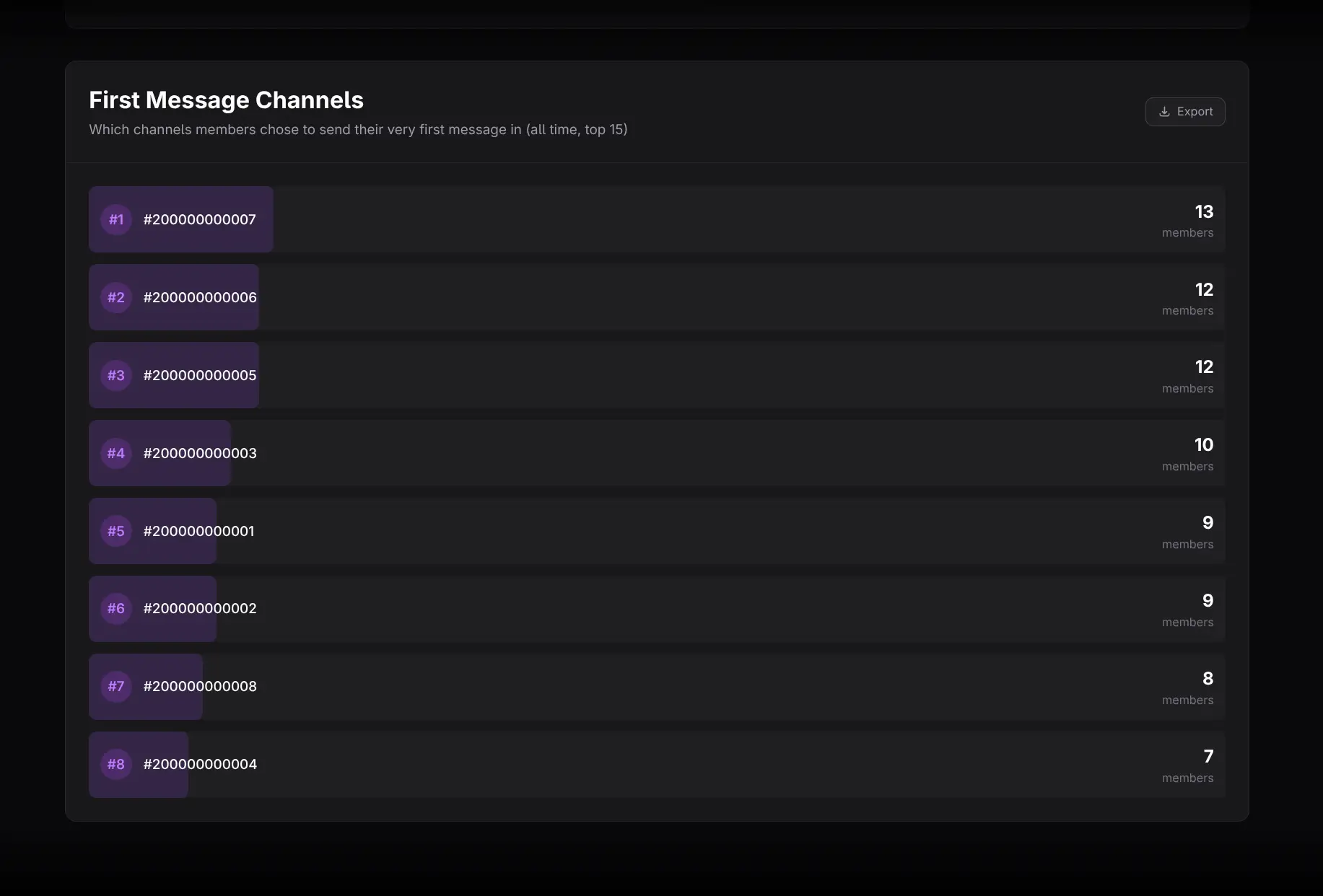
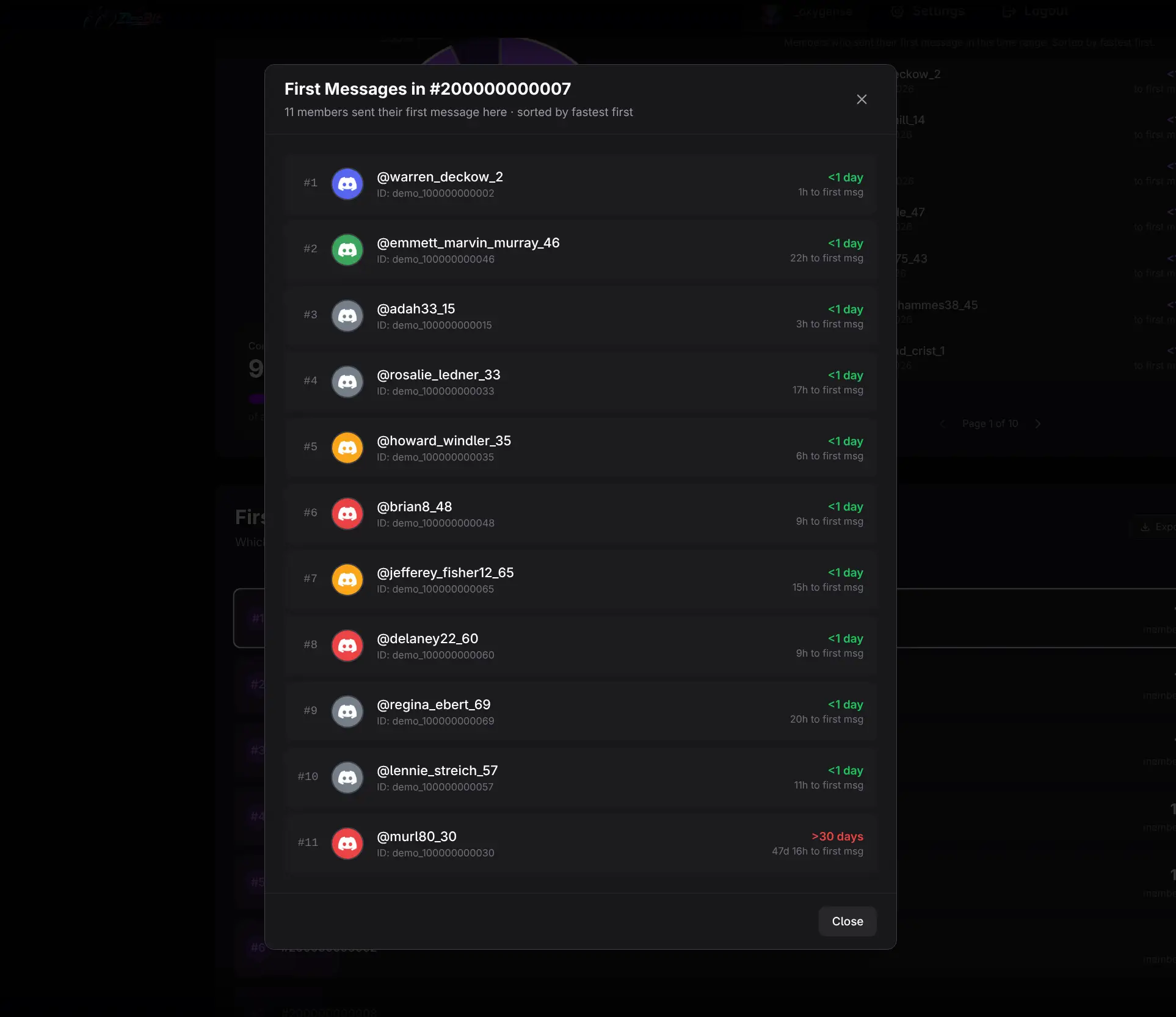
This ranking shows where members most often send their first message. Click a channel to see the exact members whose first message occurred there.
Use the result to check whether onboarding directs people to the intended place. A dominant channel can be helpful, but it may also indicate that other onboarding paths are unclear.
Practical workflows
Audit onboarding friction
- Select a recent cohort with enough observation time.
- Review Conversion Rate and the silent-member count.
- Inspect the 8–30 day and over-30-day groups.
- Review First Message Channels.
- Change one onboarding element and compare a later cohort.
Avoid premature cohort judgments
Very recent members have not had enough time to enter slower buckets. Use mature cohorts when comparing full distributions.
Exporting and cautions
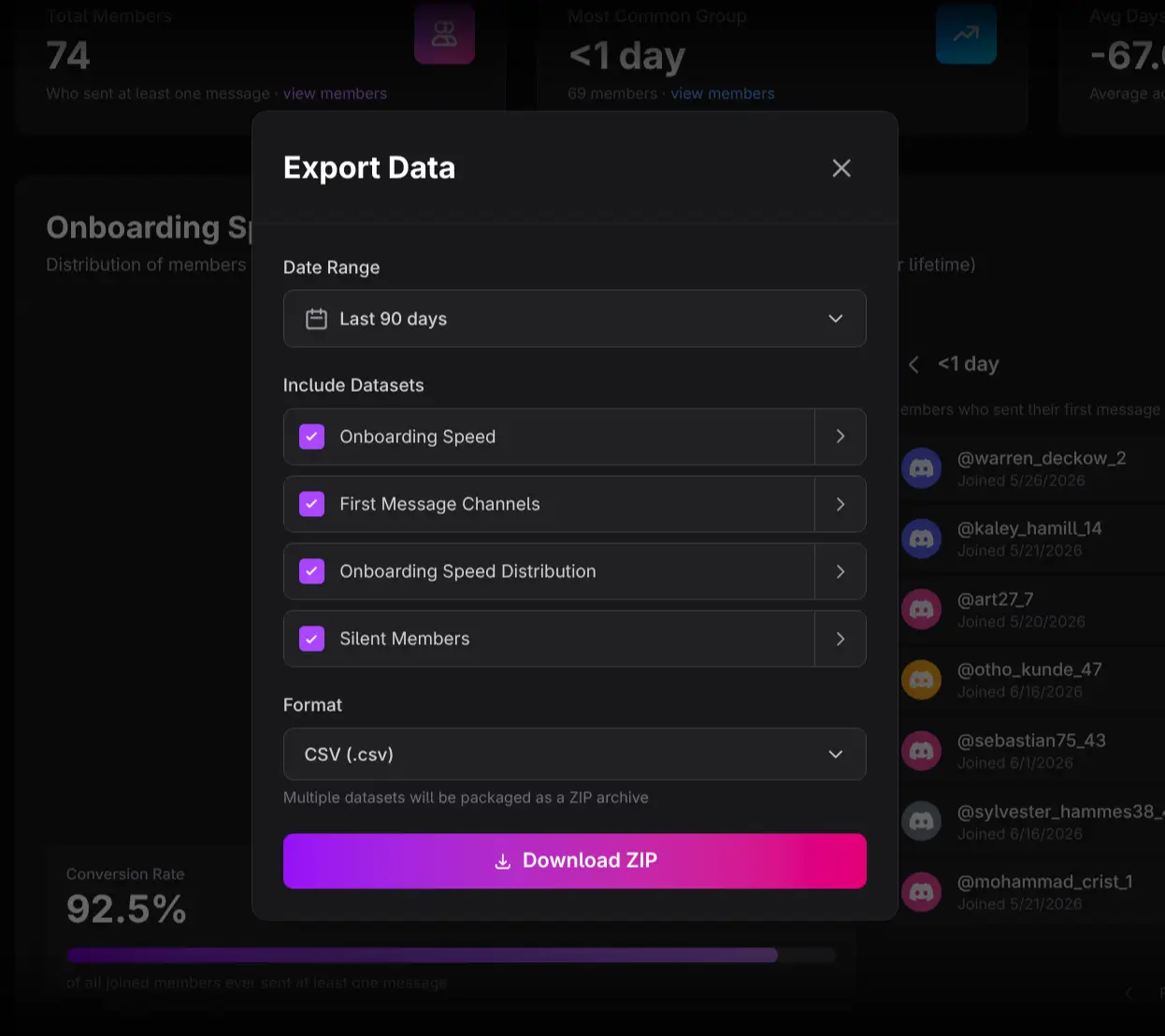
Use Export Data for the page datasets and section-level Export controls for the distribution, silent members, or channel ranking.
- First message measures chat activation only.
- Recent cohorts are right-censored: some members may message later.
- Average delay should be read with the distribution and conversion rate.
- The report identifies where and when activation occurred, not why.